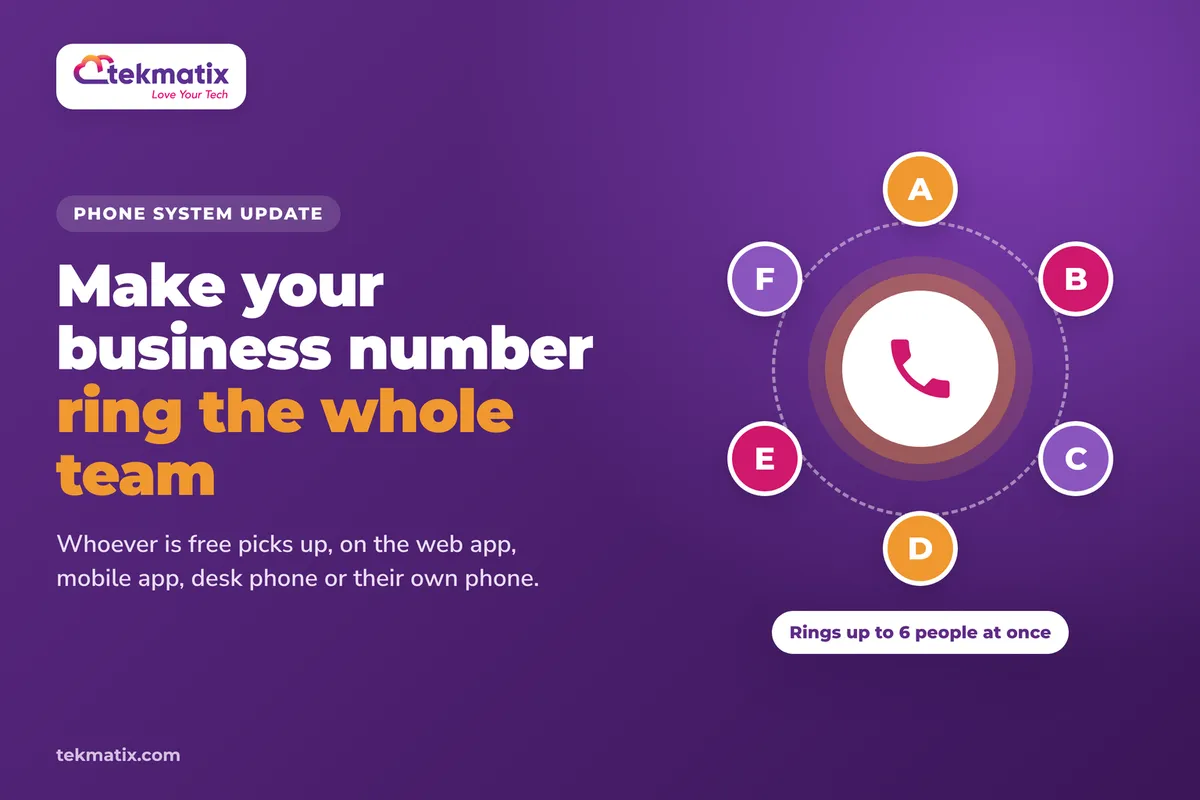
How do I make my business number ring the whole team on Tekmatix?
A customer rings your business number. You're on another call, your colleague is out on a job, and the phone just keeps ringing on one desk. By the time anyone notices, they've hung up and called someone else.
Tekmatix number pools can now ring up to six people on your team at the same time. Whoever is free picks up, on whichever device suits them: the web app, the mobile app, a desk phone or their own phone number.
Open your number pool's settings and turn on Ring Incoming Call to selected Users. Pick up to six team members. Their devices all ring at the same time, using each person's chosen ring channel. Each user sets that channel in Settings, then Users/My Staff, then Edit, then Call & voicemail, then Default channel for ring all.
What's changed with number pool calls
A number pool is a small group of tracking phone numbers that swap onto your website, so you can see where each caller came from. Until now, calls to a number pool couldn't be sent to specific team members' devices.
That has now changed:
- Ring several people at once. You can send number pool calls to up to six selected team members, and their devices ring at the same time.
- Answer on any device. Each person can answer on the device they prefer: web, mobile, a desk phone, or their own phone number.
- Your choices are remembered. The team members you pick are saved and show again the next time you open the pool.
Why this matters for your business
Fewer missed calls. When one person is busy, someone else can pick up. Every missed call is a customer who might ring your competitor next.
Your team can work from anywhere. People can answer on the app, at a desk or on their own phone, so calls reach them whether they're in the office or out on the road.
Call tracking and team answering together. You keep the tracking that tells you where callers came from, and the call reaches the people who can help.
Faster answers, better first impressions. A quick "hello" from a real person beats a voicemail every time.
Before you start
- A number pool already set up in your Tekmatix account. If you don't have one yet, we walk through it in our post on seeing which ads are driving your phone calls.
- Your team members added as users in your Tekmatix account.
- Each team member's preferred ring channel set in their user settings (we show you how below).
Which Tekmatix plan do you need?
Number pools are set up from your phone settings, and unlimited users are included from the Starter plan. The phone numbers in a pool, and the calls, are billed on a pay as you go basis, the same as any other phone number in your account. You can see current usage pricing at tekmatix.com/rebilling.
Compare every plan at tekmatix.com/pricing, or change your plan here.
How to choose each person's ring device
Do this first, for each team member who'll be answering calls, so their calls ring where they want them.
- Open your usersGo to Settings, then Users/My Staff.
- Edit the team memberClick Edit next to the person you want to set up.
- Set their default channelOpen Call & voicemail and choose their Default channel for ring all. This is the device their phone rings on when a call rings the whole team.
How to make your number pool ring the whole team
- Open your number pool's settingsFind the number pool you want to update and open its settings.
- Turn on ringing for selected usersSwitch on Ring Incoming Call to selected Users.
- Pick your teamChoose up to six team members. When a call comes in, their devices ring at the same time, using the ring channel each person has set.
- Check your selectionsYour selections are saved and show again the next time you open the pool, so you can come back and change who rings at any time.
A few things to know
- Six people is the limit. You can select up to six team members per number pool.
- Everyone rings at once. The selected devices ring at the same time, and whoever is free can answer.
- Each person picks their device. The device that rings is the one set in their Default channel for ring all setting.
- Your call tracking still matters. The number pool is still doing its tracking job, so keep its snippet on your website or funnel.
Test it before your next busy day.
Ask the team members you selected to have their chosen device handy. Open an incognito browser window, visit the page where your number pool is running, and call the number shown from a mobile that isn't on the team. Check that every selected person's device rings at the same time, and that the call can be answered on each one.
Five ways to actually use this
- Cover the front desk. Select your reception and admin team so the first free person always answers new enquiries.
- Keep tradies on the road reachable. Team members out on jobs can set their own phone number as their default channel and still pick up calls from your website.
- Match the pool to the right people. If you run a separate number pool for one service or campaign, select the team members who know that service best.
- Use the whisper message. If your pool has a whisper message like "Call from [Source]", whoever answers knows where the caller came from before they say hello.
- Review your missed calls. Keep an eye on your call reporting for a few weeks. If calls are still being missed at certain times, add another team member to the pool or adjust who's selected.
Want it done for you?
Ringing the whole team helps more calls get answered. If you'd rather hand the set-up and the follow-up over, our Teksperts can build it straight into your Tekmatix account.
AI Chat Bot, Chat Widget and AI Auto-Responder
Includes Missed Call Text Back, so a call nobody can take still gets a reply. You also get a branded AI assistant trained on your business, answering enquiries on your website chat, Facebook, Instagram and Google Business Profile, and booking appointments. Leads get looked after even when the whole team is busy.
See the AI Chat Bot packageAppointment Booking System
Some callers just want to book. This package gives you three branded calendars, two-way calendar sync, automatic meeting links, payment before paid bookings are confirmed, and reminders 24 hours, 1 hour and 10 minutes before each appointment. Fewer phone tag calls, and fewer no-shows.
See the Appointment Booking SystemQuick Account Set-Up
A private 90-minute session where a Tekspert works through your account with you on a shared screen. Core settings, email sending on your own domain, your main pipeline, tags and smart list, two booking calendars and your branding are all set up, and you get the recording and transcript. Your team can join too.
See Quick Account Set-UpSee every done-for-you package at tekmatix.com/services.
Frequently asked questions
How many people can a number pool ring?
Up to six selected team members. Their devices ring at the same time.
Can number pool calls now ring in the Tekmatix web or mobile app?
Yes, for the team members you select. Each person can answer on web, mobile, a desk phone or their own phone number, depending on the default channel they've set.
Where does each person choose which device rings?
In Settings, then Users/My Staff, then Edit, then Call & voicemail, then Default channel for ring all.
Do I have to pick the team members every time?
No. Your selections are saved and show again the next time you open the pool.
Do I need a number pool to use this?
Yes. This setting is part of a number pool's settings. If you don't have a pool yet, set one up first from your phone number settings.
Do I need to be on a particular Tekmatix plan?
Number pools are set up from your phone settings, and unlimited users are included from the Starter plan. You can compare the plans here and change your plan here.
Does ringing more people cost more?
The numbers in your pool and your calls are billed on a pay as you go basis, the same as any other phone number in your account. Current usage pricing is at tekmatix.com/rebilling.
Need a hand?
Free daily group training
Jump on a free group session with a Tekspert and set up team ringing live.
Book free trainingHire a Tekspert for 60 minutes
Share your screen and we'll set up your number pool, your users and their ring devices with you.
Book a Tekspert15 minute advanced tech support
Got one quick question, like why one person's phone isn't ringing? A focused 15 minutes sorts it out.
Book 15 minutes24/7 live chat
Our team is on live chat around the clock, right inside your Tekmatix account.
Get supportEvery call to your business is a chance to win a customer. Now the whole team can help catch it.
Happy Tekkin'!