Sales Email Automation: How to Follow Up Every Lead Without Lifting a Finger
Sales email automation explained: the 5 sales emails to automate first, how to set them up in Tekmatix by telling your AI, and how to stay out of spam.

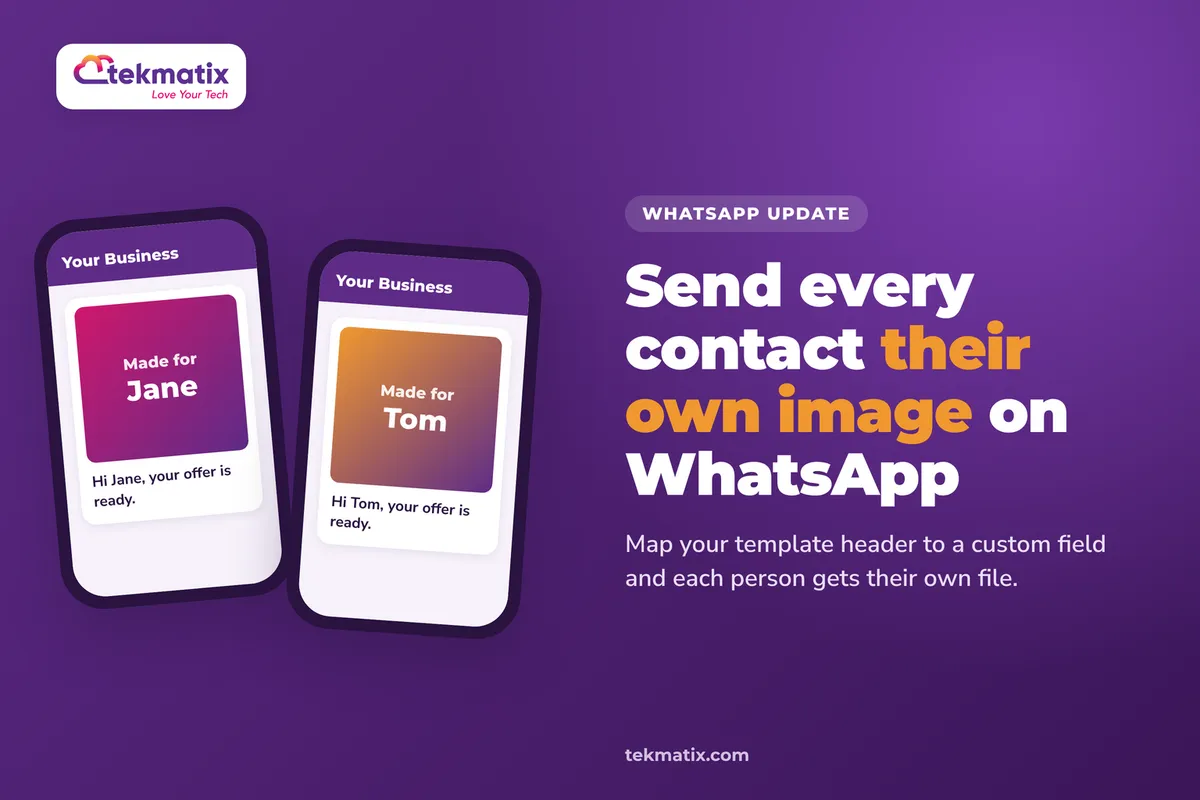
How do I send personalised images in WhatsApp templates on Tekmatix?
Send personalised images in WhatsApp templates on Tekmatix. Map the media header to a custom field so each contact gets their own image or document on send.
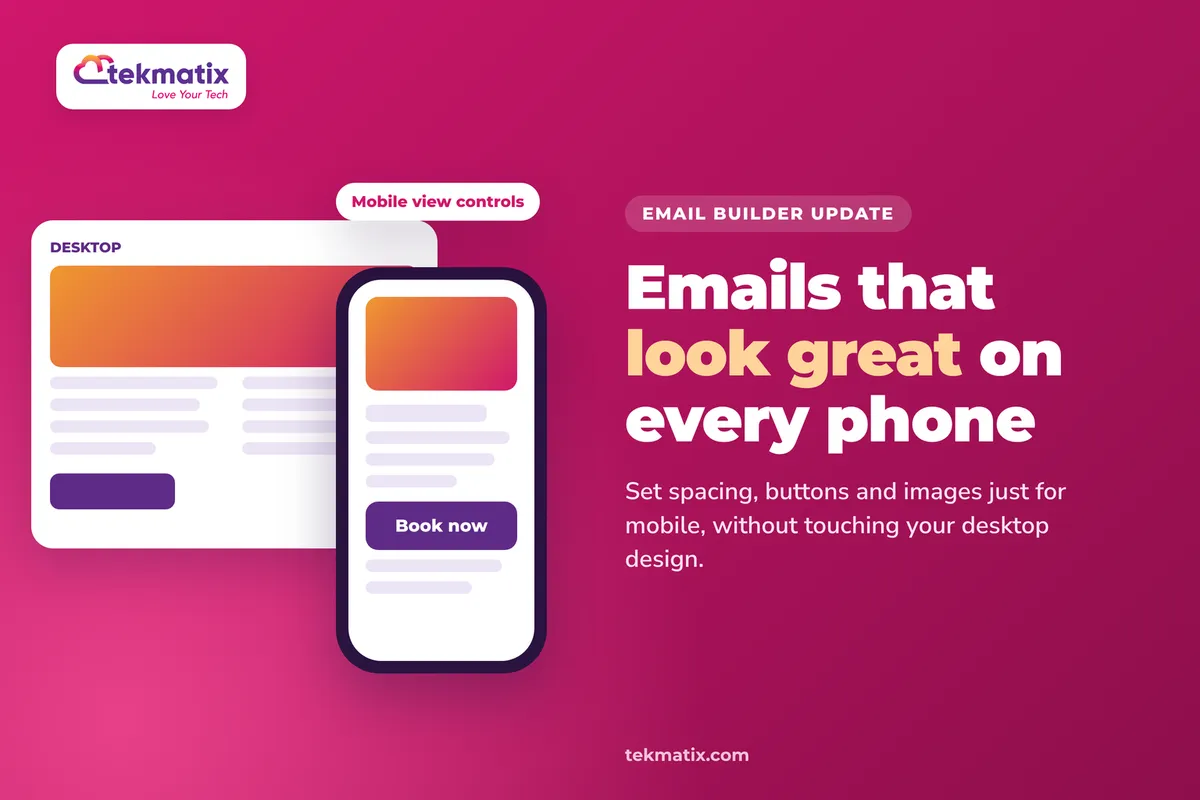
How do I make my emails look great on mobile on Tekmatix?
Make your emails look great on mobile on Tekmatix. Use the new mobile view controls in the Email Builder to set spacing, buttons and images just for phones.
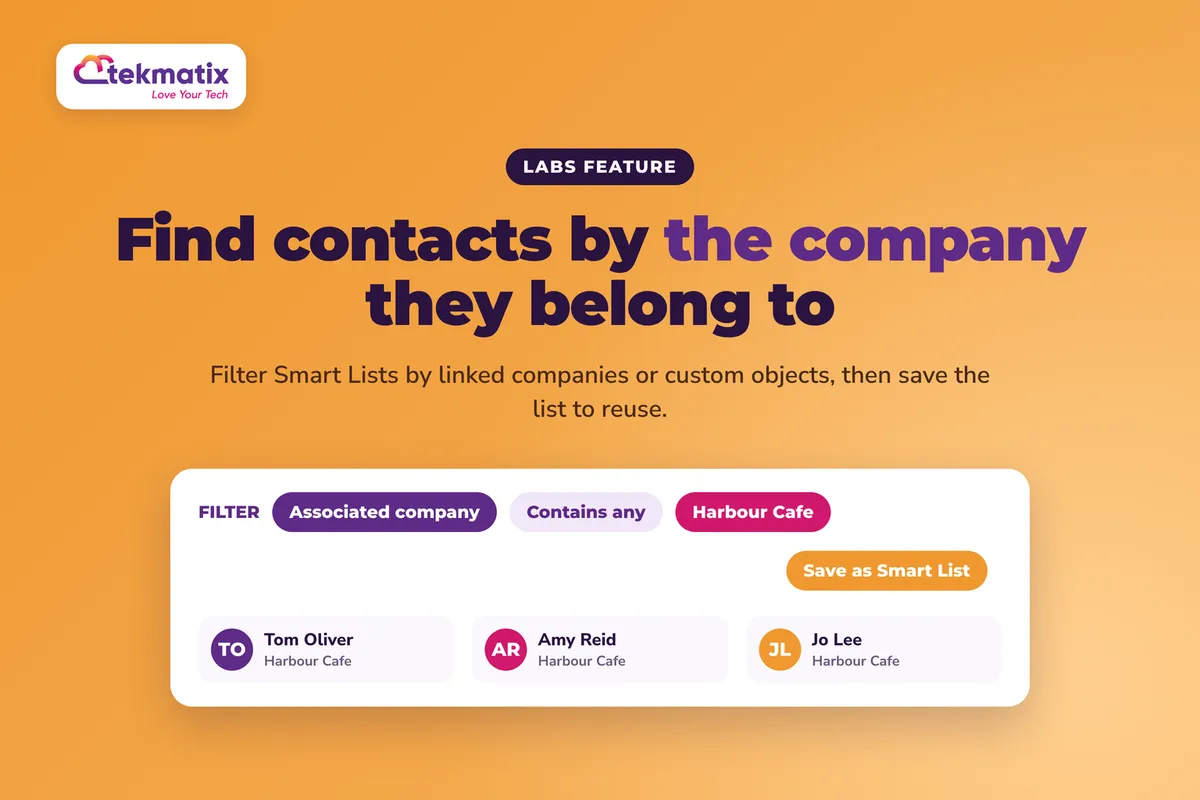
How do I filter my contacts by company or custom object on Tekmatix?
Filter your contacts by company or custom object on Tekmatix. Use association columns and filters in Contact Smart Lists, then save the list to reuse it.

Australia’s award-winning, female-owned all-in-one business platform.
Global community.
Copyright 2026. Tekmatix. All Rights Reserved.