Your account, set up properly. In one 90-minute call.
A Tekspert jumps on Zoom with you, shares the screen and sets up your Tekmatix account for you, live. Email sending, mailing list, sales pipeline, booking calendars and branding, all done right from day one.
One payment. No subscription. No surprises.
- Private 90-minute live Zoom with a Tekspert
- Email sending, compliance and list clean-up
- Sales pipeline, tags and smart mailing list
- Free and paid booking calendars built for you
- Anything unfinished on the call, we complete for you
Skip the weeks of figuring it out. Start on clean foundations instead.
Most of the headaches people run into later come from how an account was set up on day one. This call gets the important stuff right first time, so everything you build after it just works.
Your emails land in inboxes
Your own sending domain, a compliant unsubscribe footer and a cleaned list protect your sender reputation from the very first send.
You see every lead and sale
A customer journey pipeline that matches what you sell, so you know where every lead is and your dashboard shows real income and conversion numbers.
Clients can book you today
A free 15-minute and a paid 60-minute booking calendar, synced to your own calendar with reminders switched on, ready to share straight away.
What we set up for you. Line by line, so you know exactly what you're getting.
Your live 90-minute set-up session
A private one-on-one Zoom with an experienced Tekspert. You get the result and you understand how it works.
- We do the work on a shared screen and consult with you as we go
- Learn as you watch, so you can manage your settings with confidence later
- Your staff, VAs or contractors are welcome to join
- Full recording and transcript sent to you afterwards
- Anything in scope we don't finish live, we complete for you
Business account configuration
The core settings everything else depends on, checked and connected properly.
- Core business settings and integrations configured and checked for accuracy
- Your personal profile settings reviewed and optimised
- Email and domain settings checked and configured
- New beta features switched on in Labs, so you get the latest releases first
Email sending and compliance
Better deliverability, fewer emails in spam, and a sending domain you're protecting from day one.
- Professional email sending set up with your own domain
- Unsubscribe footer added to your master email template
- Email verification run across your contacts to lower bounce rates
- Bounced, failed and invalid addresses removed from your mailing list
Customer journey (sales pipeline)
See exactly where every lead and buyer is in your sales process.
- Your main pipeline built with you, mapped to everything you sell in price order
- Set up so customers move along the journey automatically as they buy
- Feeds your dashboard with accurate income and conversion data
Key tags and smart mailing list
Your contacts organise themselves, so marketing and follow-ups are simple.
- Mailing list tag and mailing list smart list created
- Your contacts uploaded and tagged for you (from a CSV file you provide)
- Contacts automatically sorted into your mailing list segment for mass mailing
Appointment booking calendars
Bookings that sync properly, with no double-ups and no manual reminders.
- Your synced calendar checked and configured to avoid duplicate bookings
- A free 15-minute booking calendar created
- A paid 60-minute booking calendar created
- Availability, notifications and reminder and re-booking workflows set up
Branding set-up
Your brand ready to use across every builder in your account.
- Brand colours added, ready to pick in the funnel, website and email builders
- Your logo uploaded
- Any custom fonts you provide uploaded
Your free onboarding call connects you. This gets you fully live.
Your free onboarding call takes care of the basic connections and integrations. The Quick Account Set-Up picks up where it leaves off and finishes the job.
Five simple steps. You'll be live before you know it.
Secure your spot
Pay upfront to lock in your set-up service. It takes a minute.
Fill in a short form
We email you a quick onboarding form so your Tekspert can prepare your account before the call.
Book your call
Choose a time for your private 90-minute Zoom. Invite your staff, VA or contractors too.
Get ready
We send a clear prep checklist, so we can get as much done as possible together.
We set it up, live
Your Tekspert sets everything up on screen with you. Anything left over is finished after the call.
Your account is configured, compliant and ready to use, with a clean foundation for marketing, automation, bookings and team access.
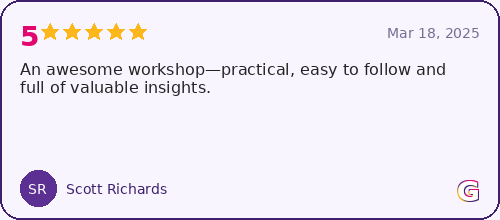
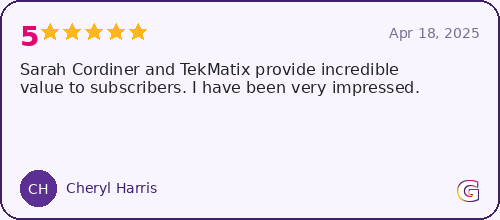
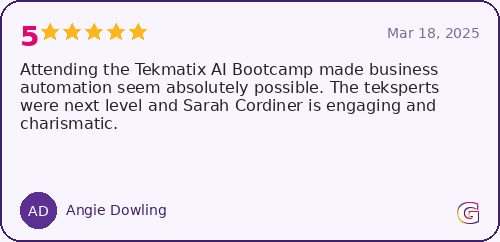
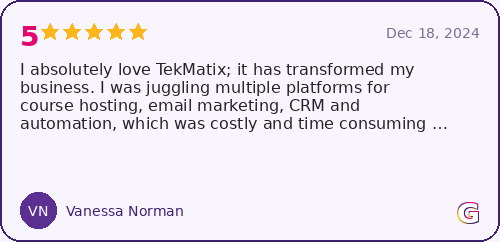
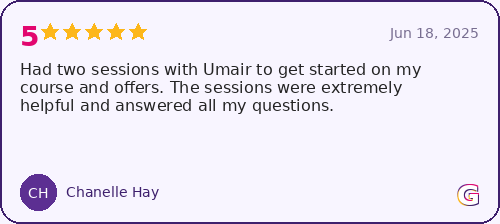
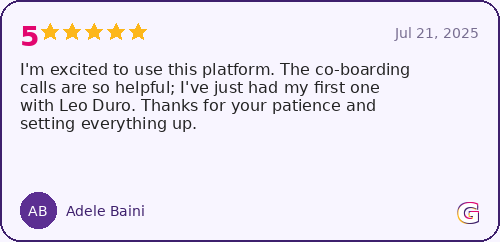
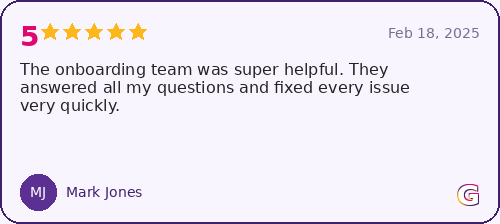
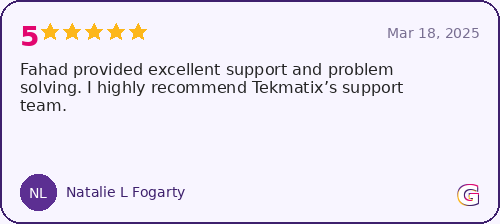
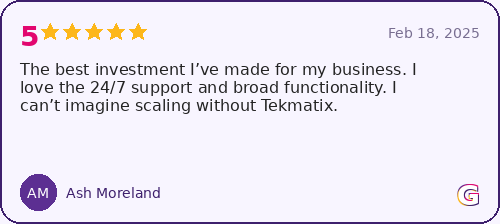
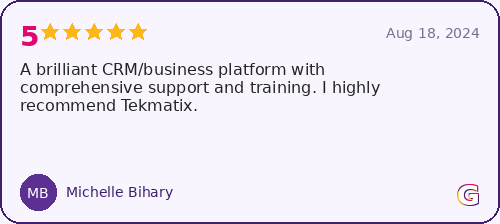
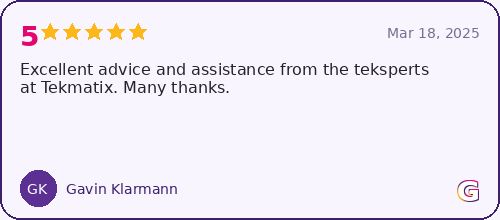
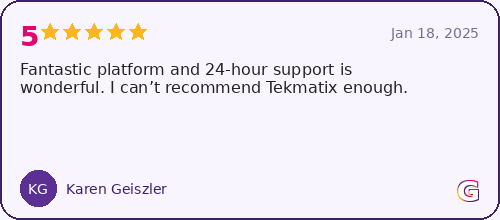
Don't just take our word for it. Hear it from the people we've helped.
Get it done right, this week.
Your Quick Account Set-Up includes
- Private 90-minute live Zoom with a Tekspert
- Business account and profile configuration
- Email sending, compliance footer, verification and list clean-up
- Customer journey sales pipeline
- Mailing list tag, smart list and contact upload
- Free 15-minute and paid 60-minute booking calendars
- Brand colours, logo and custom fonts
- Recording, transcript and completion of any unfinished items
Not included in this service
Custom funnels or websites, email sequences or copywriting, advanced automations, migrations beyond a basic contact upload, and ongoing strategy beyond the set-up scope. Need any of those? We have done-for-you services for that too.
One payment for your full set-up session, prep and follow-up completion. Payment upfront secures your booking.
Get my account set upThis service includes only the items listed on this page, is performed inside your existing Tekmatix account, and is subject to our Services Agreement Terms. How much we complete live depends on your form being completed on time, access to the assets we need and your call prep.
Good to know
Who is this service for?
Anyone with a Tekmatix account who wants to get live quickly and properly, without spending weeks working it out alone. It's the best first step after your free onboarding call.
Do I have to do the work myself?
No. Your Tekspert does the work on a shared screen while you watch, and checks in with you as they go. You'll pick up how your account works along the way, so you can manage your settings with confidence afterwards.
What if we don't finish everything in 90 minutes?
Anything listed in this service that isn't completed live is finished for you after the call. You won't be left with half a set-up.
Can my team or VA join the call?
Yes, and we encourage it. Bring your staff, VA or contractors so everyone knows how the account is set up. You'll also get the recording and transcript to share with anyone who couldn't make it.
What do I need to have ready?
After you book, we send you a short onboarding form and a clear prep checklist. Typically that's things like your logo, brand colours, any custom fonts and your contact list as a CSV file if you'd like it uploaded.
What if I need more than this, like a website or funnel?
This service covers your account foundations. For websites, funnels, email sequences, automations or migrations, take a look at our done-for-you services. Your Tekspert can point you to the right one on your call.
Set up right. From day one.
Get your account configured, compliant and ready to use in a single 90-minute call. You've got this, and we've got your back.
Get my account set up for $150 AUD© Tekmatix. All rights reserved. | Privacy Policy | Terms of Service | Done-For-You Services Terms
©Tekmatix. All Rights Reserved
Privacy Policy & Website Terms of Use | Terms of Use & Refunds Policy