How to Use Every New Tekmatix Feature (November 2026)
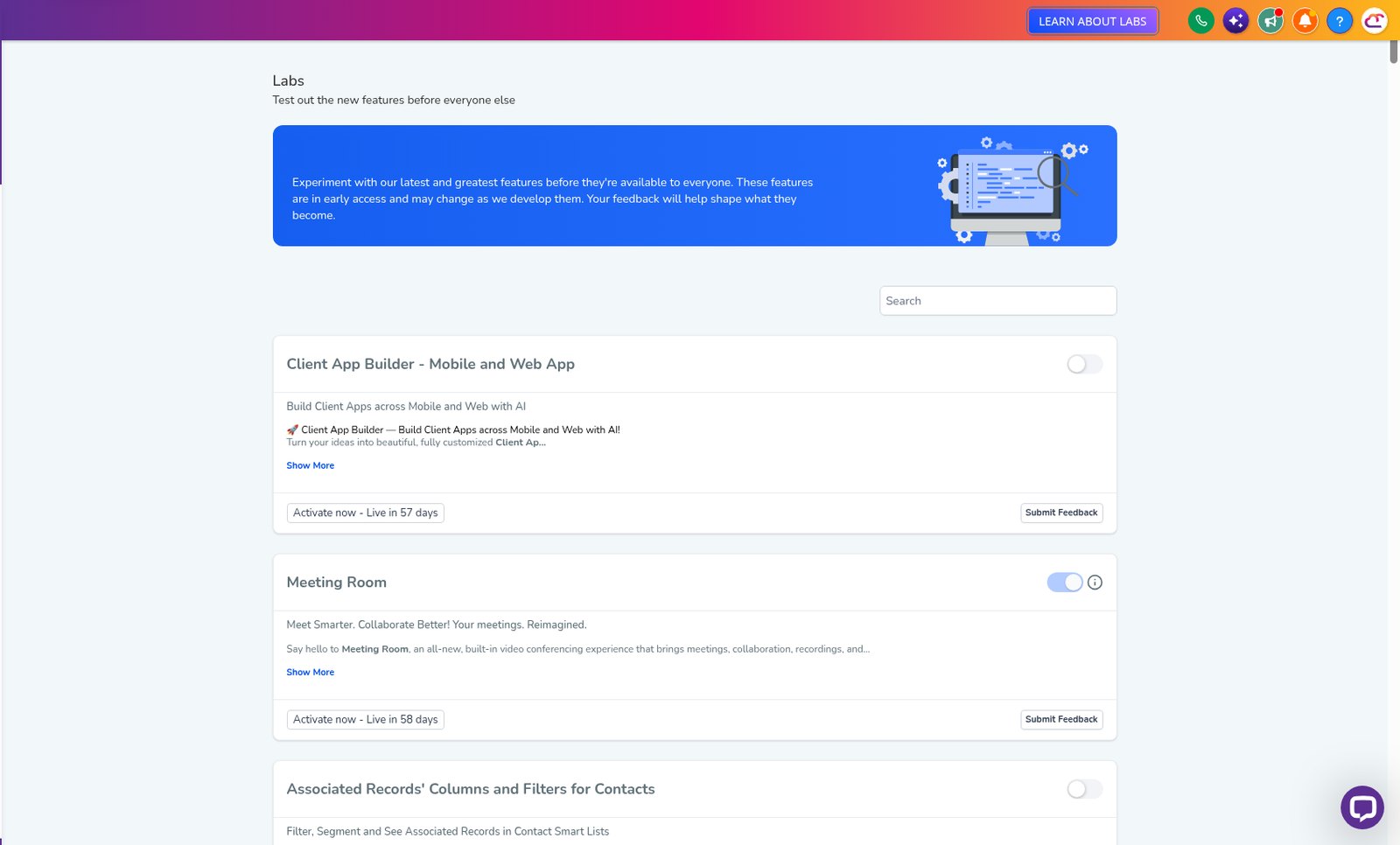
Quick answer: Tekmatix just got a huge upgrade. The headline: Meeting Rooms, video calls built into your account, so you can cancel Zoom. There are also new AI employee skills, email AI, project management and lots more. Many are early access switches in Settings > Labs, so you can turn them on now, before they're automatically rolled out to every account.
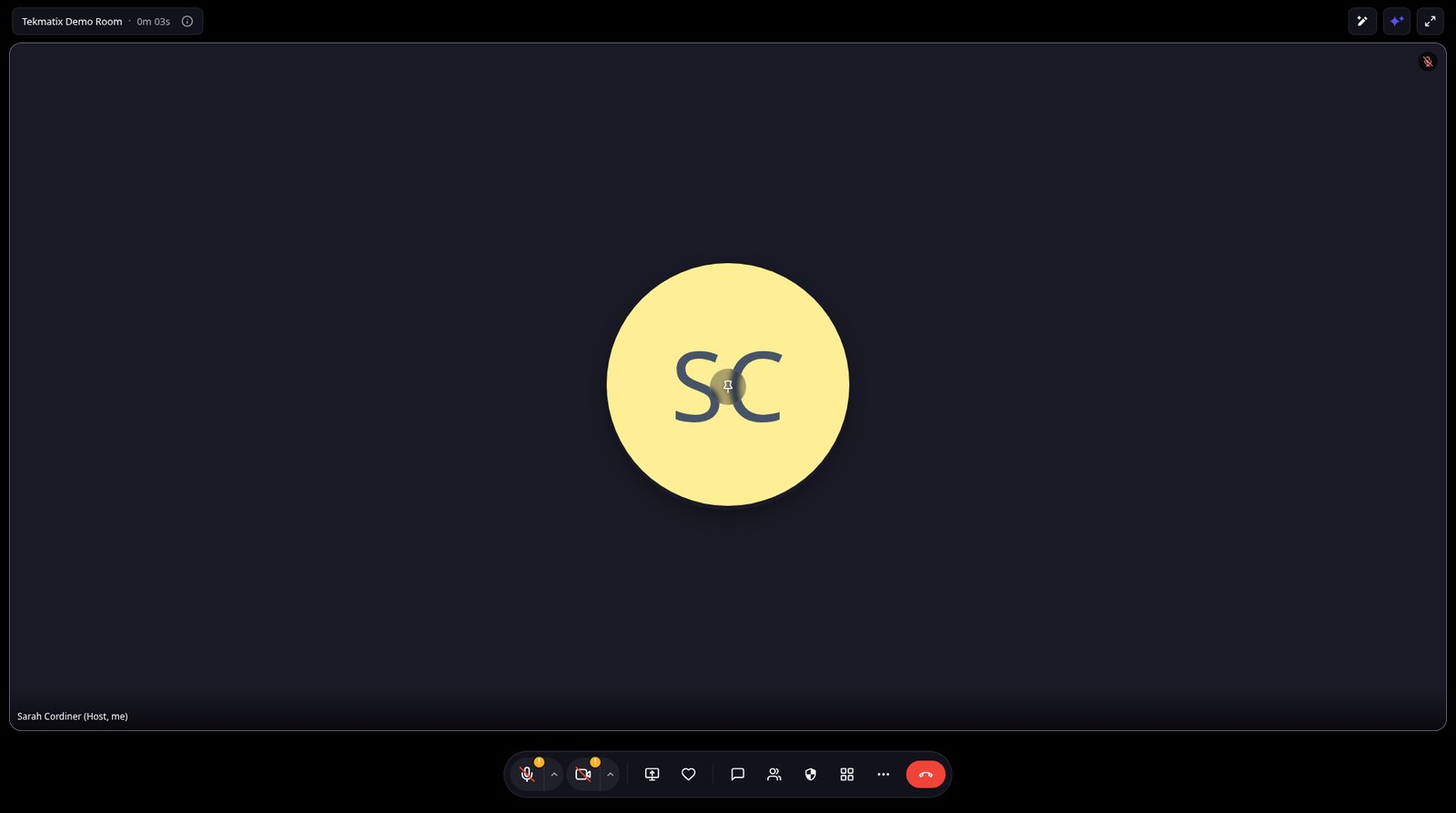
The big one: Meeting Rooms
Hold client calls, team meetings, workshops, webinars and live community sessions right inside Tekmatix, with recordings, transcripts and AI summaries. Read the Meeting Rooms guide.
How to switch on the new features
These are early access features, so you can use them now, before they're automatically rolled out to every account. Some can't be switched off again once they're on, and Tekmatix will tell you before you confirm.
Meetings, courses and communities
- How to Use Breakout Rooms in Tekmatix Meeting Rooms for Workshops and Training (early access in Labs)
- How to Turn Your Tekmatix Client Portal Into a Course Storefront With Discover (early access in Labs)
- How to See Where Students Stop Watching Your Course Videos in Tekmatix (early access in Labs)
- How to Design Your Client Portal and Branded App by Chatting to AI in Tekmatix (early access in Labs)
AI employees and agents
- How to Build an AI Employee in Tekmatix Just by Describing It (early access in Labs)
- How to Set Up an AI Employee That Messages New Leads First in Tekmatix (early access in Labs)
- How to Wake Up Old Leads With an AI Campaign in Tekmatix (early access in Labs)
- How to Make Your Tekmatix AI Employee Reply With Buttons, Lists and Images (early access in Labs)
- How to Connect Your Tekmatix AI Employee to Other Apps With MCP (early access in Labs)
- How to Build a Smarter Chatbot With the Visual Flow Builder in Tekmatix (early access in Labs)
- How to Check Your AI Receptionist and Chat Agent Are Doing a Good Job in Tekmatix (early access in Labs)
- How to Safely Change Your Voice AI Receptionist in Tekmatix With Drafts and Versions (early access in Labs)
- How to Get Your AI Receptionist to Answer WhatsApp Calls in Tekmatix (early access in Labs)
- How to Use the New AI Agents Workspace in Tekmatix (already live)
- How to Get More Done With Managed Agents in Tekmatix: Memory, Computer and Subagents (already live)
Email and marketing
- How to Write Email Campaigns and Whole Sequences With AI in Tekmatix (early access in Labs)
- How to Preview Your Email in Gmail, Outlook and Apple Mail Before You Send It in Tekmatix (early access in Labs)
- How to Check Your Email for Spam Problems Before You Send It in Tekmatix (already live)
- How to Check Email Addresses When You Import Contacts Into Tekmatix (early access in Labs)
- How to Get Alerted When a Social Post Fails or Needs Approval in Tekmatix (early access in Labs)
- How to Get Clients to Connect Their Social Accounts in Tekmatix Without Sharing Passwords (already live)
- How to Add Icons and AI Illustrations to Your Tekmatix Pages With the Graphic Library (already live)
- How to Use the New Order Forms in Tekmatix: One-Step, Two-Step and Split Layouts (already live)
CRM, automations and admin
- How to Switch On Project Management in Tekmatix (Early Access) (early access in Labs)
- How to Create Custom Appointment Statuses in Tekmatix (early access in Labs)
- How to A/B Test Your Automations in Tekmatix and Let the Winner Run (early access in Labs)
- How to Search All Your Messages by Keyword in Tekmatix Conversations (early access in Labs)
- How to Link Contacts to Multiple Companies and Roles in Tekmatix (early access in Labs)
- How to Start an Automation When a Contact Is Linked to a Company in Tekmatix (early access in Labs)
- How to Send Automatic Texts From Company and Custom Object Workflows in Tekmatix (early access in Labs)
- How to Track Forms on Your Other Websites in Tekmatix (already live)
- How to Organise Your Files and Import Images From Any Webpage in Tekmatix (already live)
Plus lots of small upgrades
There are also small everyday improvements in Labs, such as autosave in the email builder, folders in Documents, resizable conversation panels and a new navigation design. Have a look in Settings > Labs and switch on anything you like the look of.
You stay in control. Your AI shows you what it will do and asks before it creates, changes, deletes or sends anything.
Frequently asked questions
How do I switch on the new features?
Many are early access switches in Settings > Labs. Others are already live in your account. Each guide tells you which.
Do the new features cost extra?
No. They're part of your Tekmatix subscription. Emails, texts, calls and AI usage stay pay as you go.
Can someone show me?
Yes. Customers can join a free daily training call with a Tekspert.
Want a tour of what's new?
Already a Tekmatix customer? Jump on one of our free daily training calls and a Tekspert will switch it on and walk you through it, live.
Book a free training callNot on Tekmatix yet? Tekmatix is the all-in-one business platform you run by talking to AI. One subscription, unlimited users, and real human Teksperts 24/7.
See how Tekmatix worksSarah x
Warning: you may get addicted to your productivity.
