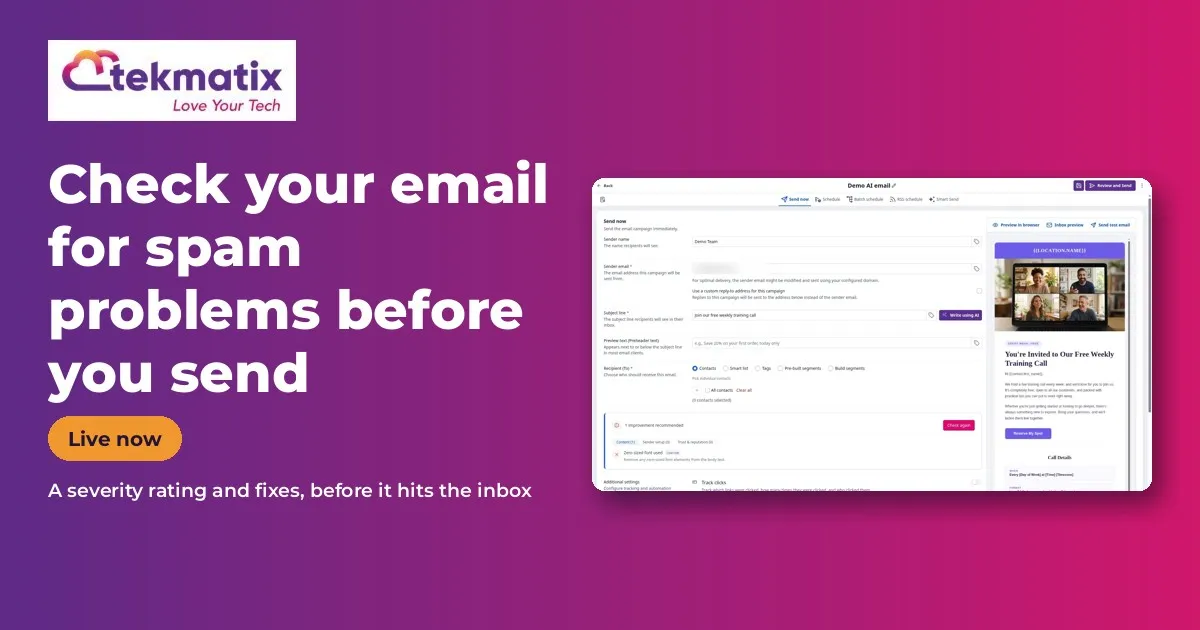
How to Check Your Email for Spam Problems Before You Send It in Tekmatix
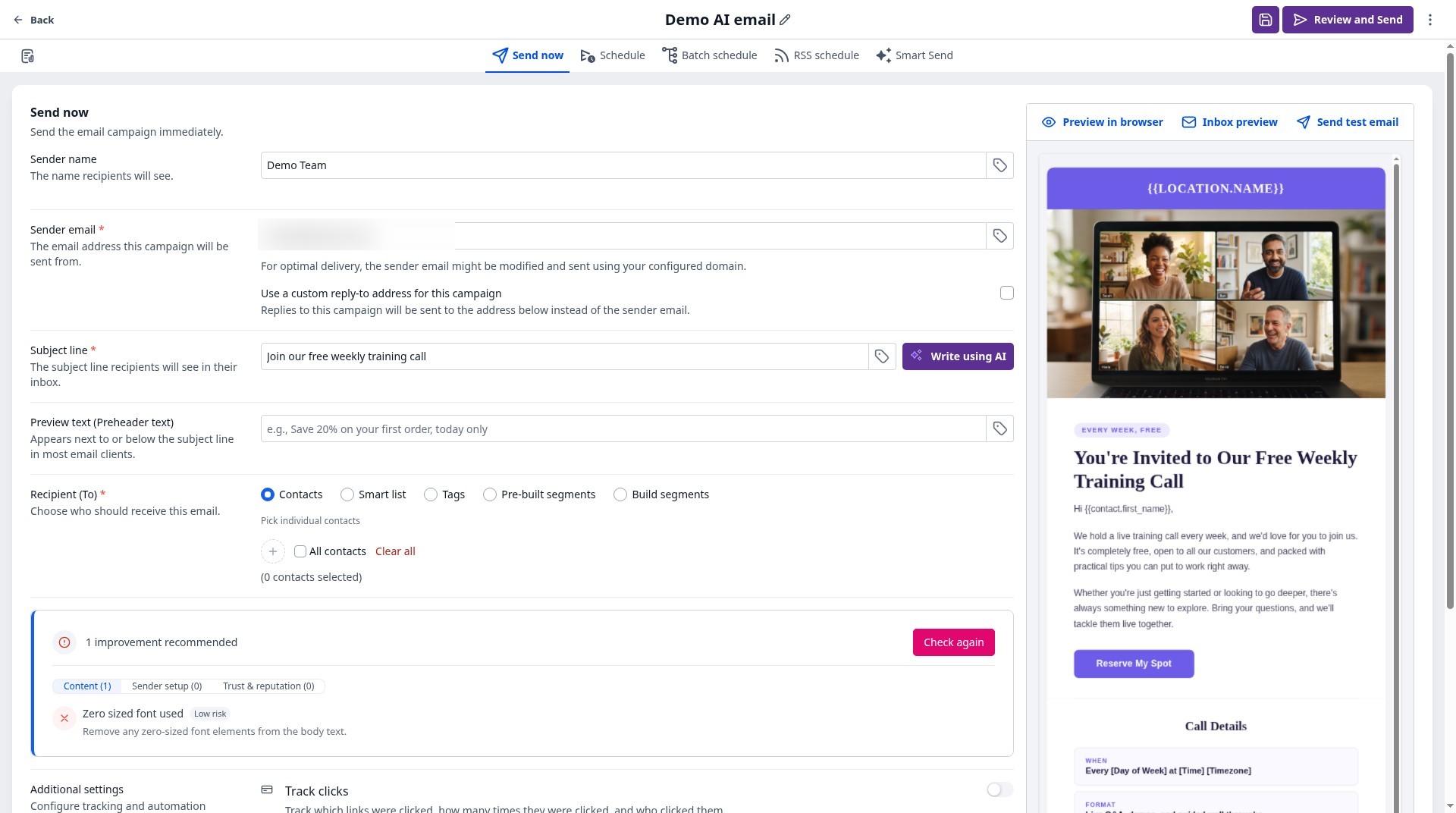
Quick answer: Before you send a campaign, Tekmatix can now check it for spam risks. It looks at your sender setup and your email content, gives you an overall spam severity rating, and tells you exactly what to fix so more of your emails land in the inbox.
What it does
It checks two things: how your sending is set up, and what's in the email itself. Then it gives you clear fixes.
Why you'll love it
Made for anyone who sends email campaigns.
- More emails in the inbox, fewer in spam
- Catch problems before your whole list sees them
- Plain-language fixes
Step 1: Switch it on
Good news: this one is already switched on in your Tekmatix account. There's nothing to turn on.
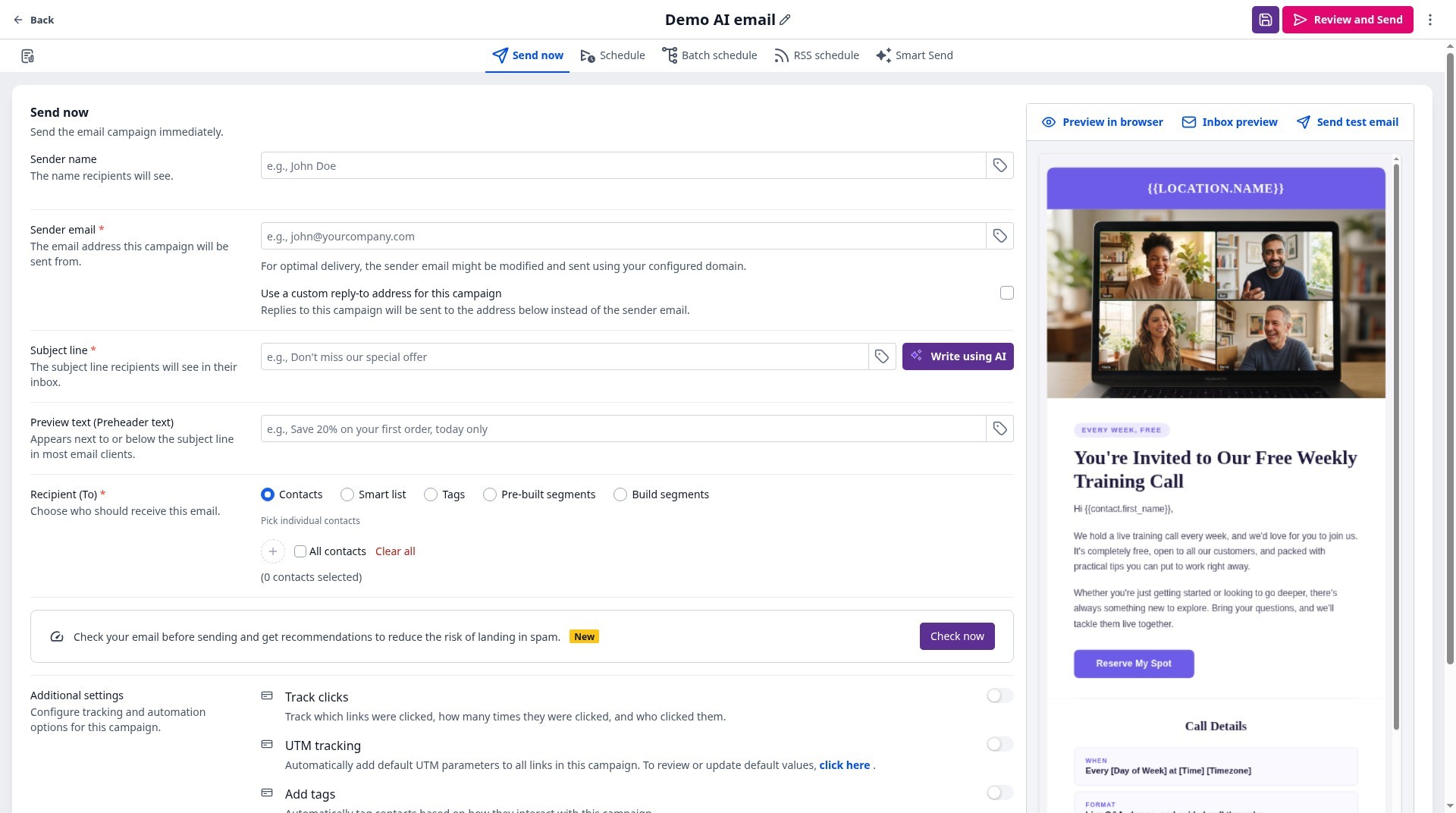
Step 2: Set it up, step by step
Or just tell your AI
Use Ask AI inside Tekmatix, or your own AI (Claude, ChatGPT or GrokBot) connected to your account. It shows you what it will do before it does it.
- A good score helps, but inbox placement also depends on your list quality and sending history.
You stay in control. Your AI shows you what it will do and asks before it creates, changes, deletes or sends anything.
Frequently asked questions
What does it check?
Your sender setup and your email content.
Does it fix things for me?
It gives you recommendations to fix.
Do I need to switch it on?
No, it's already in your account.
Want to see what else is new? Read all the new features in Tekmatix and how to use Meeting Rooms.
Want a hand setting it up?
Already a Tekmatix customer? Jump on one of our free daily training calls and a Tekspert will switch it on and walk you through it, live.
Book a free training callNot on Tekmatix yet? Tekmatix is the all-in-one business platform you run by talking to AI. One subscription, unlimited users, and real human Teksperts 24/7.
See how Tekmatix worksSarah x
Warning: you may get addicted to your productivity.
