How to Get ChatGPT to Recommend You as the Expert: 10 Musts
Quick answer: To get ChatGPT and other AI assistants to recommend you as the expert, you need to be the clearest, most consistent and most helpful answer on the web for the questions your customers ask. That means knowing those questions, publishing answer-first expert posts on your own blog, structuring them so AI can lift them, filling in your SEO details, letting AI crawlers in, being known for the same thing everywhere, and sharing every post on social and email. Tekmatix makes it easy: Ask AI writes the posts, your social channels can share every new post automatically, and your own Claude, ChatGPT or GrokBot connected to Tekmatix can create your blog posts, socials and email drafts on a schedule, from your own material and in your voice.
TL;DR
- People now ask AI who to hire and what to buy. If ChatGPT can't find you, read you and trust you, it can't recommend you.
- There's no trick and no guarantee. But there are 10 things that make you far easier for AI to find, understand, trust and cite.
- The big three: answer-first expert content on your own site, consistent information about you everywhere, and steady distribution.
- Tekmatix does the heavy lifting: Ask AI writes the posts, new posts can share to your socials automatically, and your connected AI can create blog posts, socials and email drafts every day as a scheduled routine.
- Not on Tekmatix yet? Book a free demo. Already a customer? Jump on a free daily training call.
Why AI referral traffic matters now
Your next customer might never type your business into Google. They'll open ChatGPT, Claude, Perplexity or GrokBot and ask something like "Who's the best bookkeeper for small businesses in Brisbane?" or "What's the best way to get more bookings for my salon?"
The AI gives them a short answer, names a few businesses or experts, and links to the pages it used. The people who click through have already been told you're worth talking to. That's AI referral traffic, and it's warm.
Here's the catch. AI assistants can only recommend what they can find, read and trust. If your expertise lives in your head, in old PDFs or in a few social posts that disappear after a day, you're invisible to them.
How ChatGPT decides who to recommend (in plain terms)
Nobody outside OpenAI knows the exact recipe, and anyone who says they can guarantee a recommendation is guessing. But the basics are public:
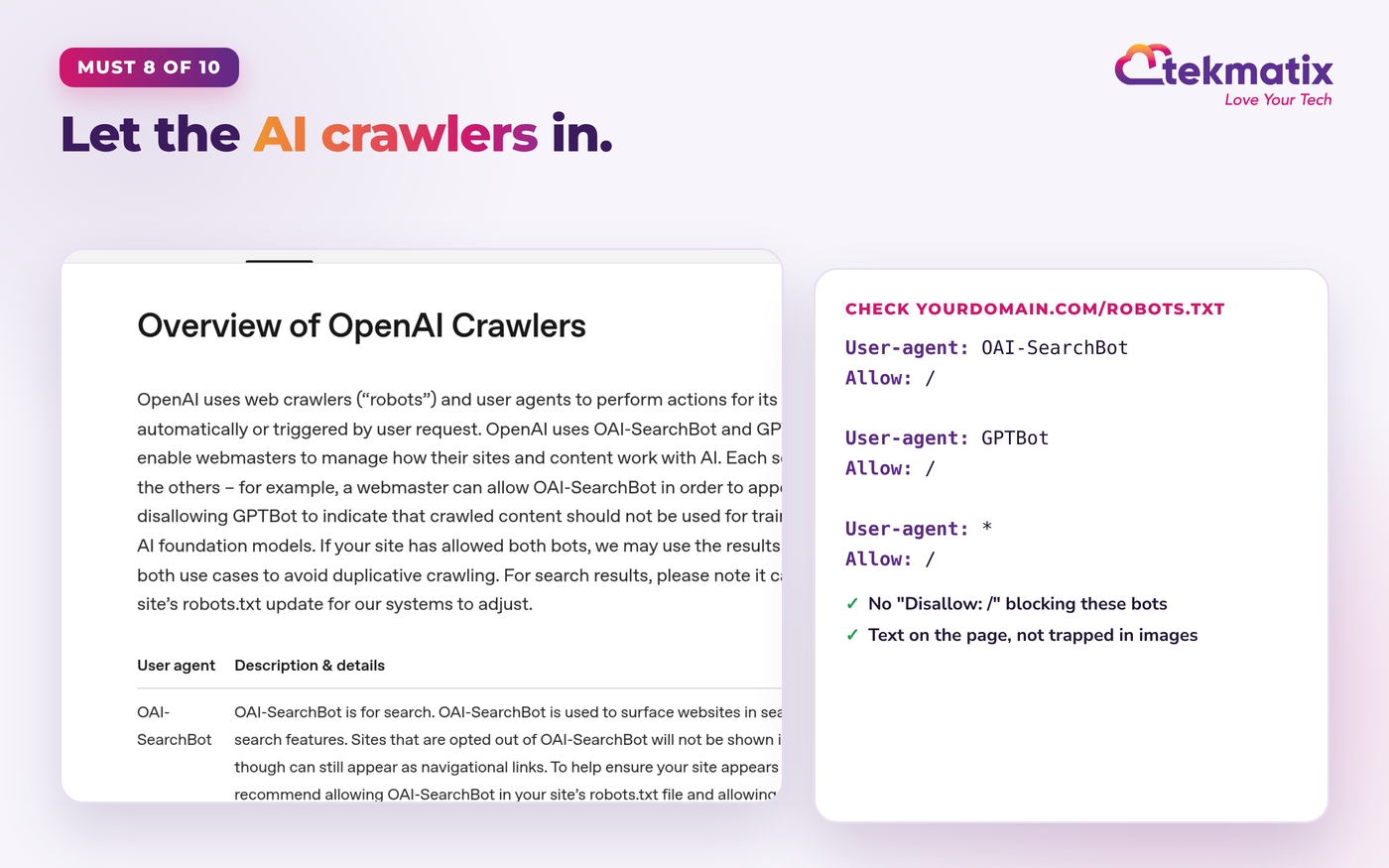
- It searches the web. When ChatGPT searches, it uses its own crawler called OAI-SearchBot. OpenAI says sites that block OAI-SearchBot won't be shown in ChatGPT's search answers (OpenAI crawler overview).
- It prefers clear, direct answers. Pages that answer the question in the first few lines, then explain, are easy to quote.
- It looks for agreement. When your website, Google Business Profile, LinkedIn, reviews and articles all say the same thing about you, you look like a safe answer.
- It cites sources. Fresh, specific, original expert content gives it something worth linking to.
So the job isn't to trick the AI. It's to become the obvious, well-documented expert on your topic. Here's how, step by step.
The 10 musts at a glance
| # | Must | Why AI cares |
|---|---|---|
| 1 | Know the questions you want to be the answer to | AI answers questions, so you need pages that match them |
| 2 | Be known for the same thing, everywhere | Consistent facts make you a safe recommendation |
| 3 | Publish expert answers on your own blog | Your site is the source AI reads and cites |
| 4 | Lead with the answer, then explain | Direct answers are easy to quote |
| 5 | Structure it: headings, lists, tables, FAQs | Clear structure is easy to lift into an answer |
| 6 | Use your own knowledge, voice and proof | Original insight is worth citing; generic content isn't |
| 7 | Fill in your SEO and AI-search details | Titles, descriptions and images tell AI what the page is about |
| 8 | Let the AI crawlers in | If AI can't read your site, it can't recommend you |
| 9 | Share every post, every time | Distribution creates visits, mentions and signals |
| 10 | Track your AI referral traffic and keep improving | What you measure, you can grow |
Know the questions you want to be the answer to
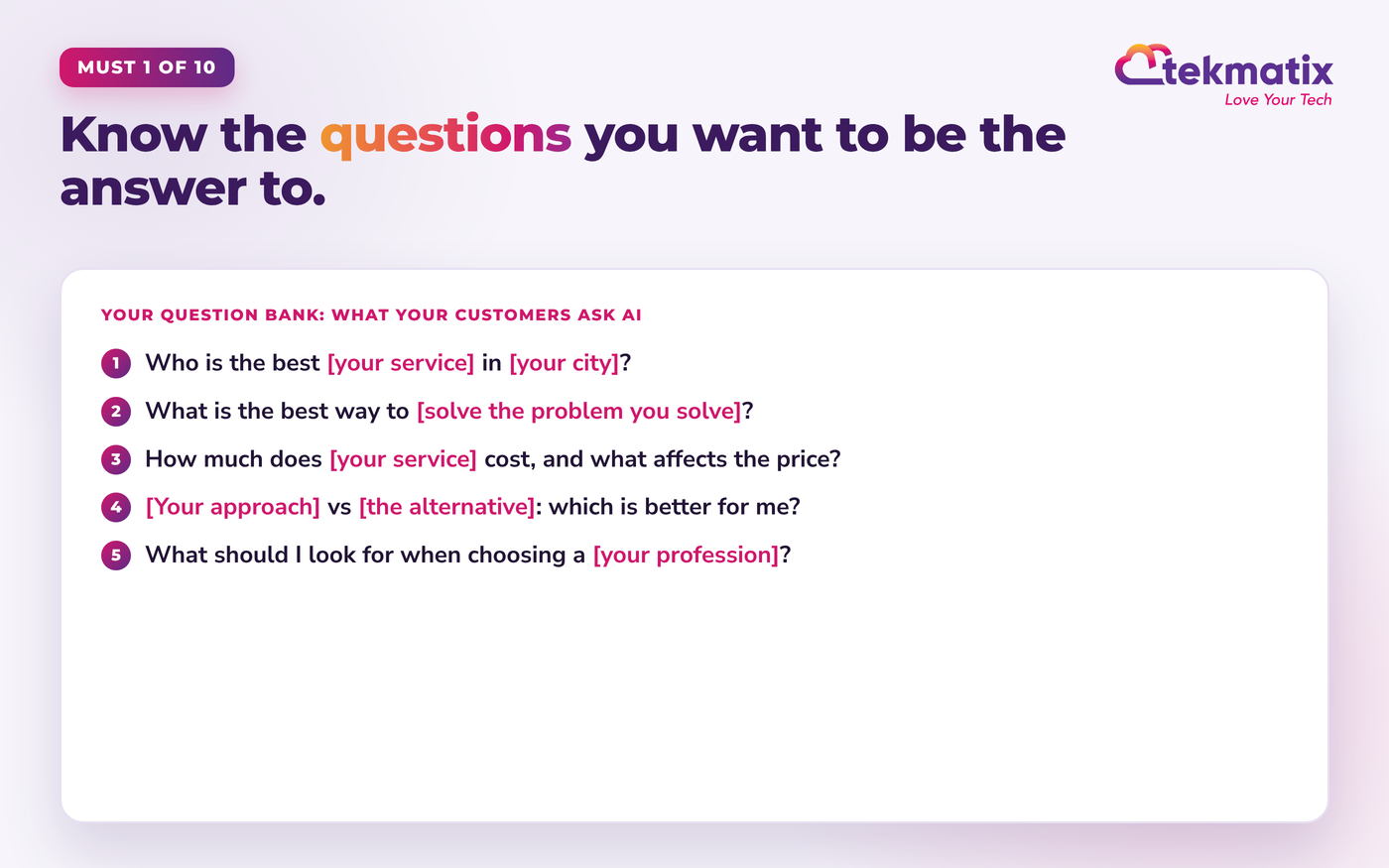
AI assistants answer questions. Your first job is to know exactly which ones you want to own.
Think about what people ask before they buy from someone like you. Not keywords, real questions in real words. These become your blog posts, your FAQs and your social content.
How to do it
Be known for the same thing, everywhere
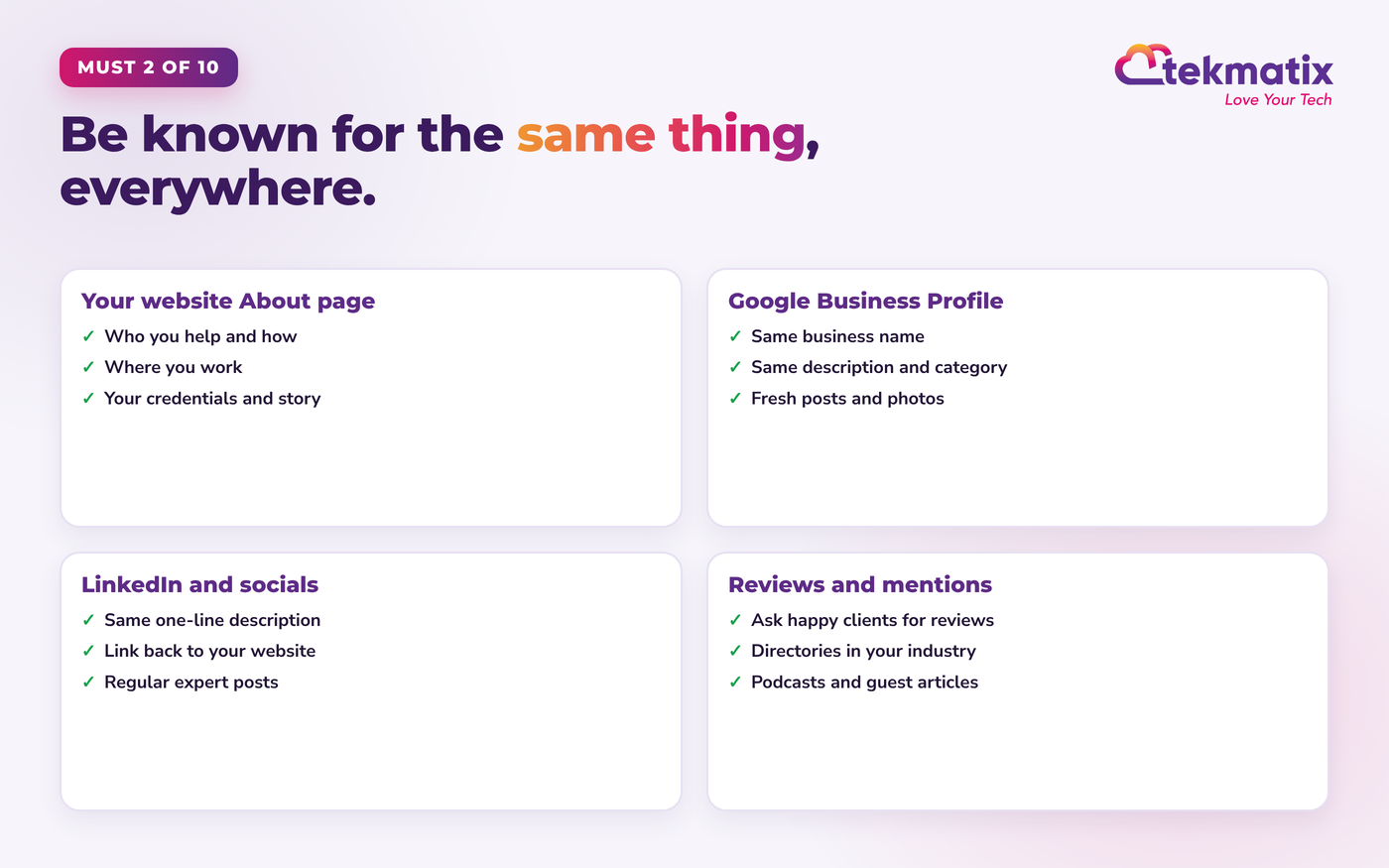
AI checks whether the web agrees about you. Make sure it does.
If your website says you're a business coach, LinkedIn says marketing consultant and your Google Business Profile says something else again, AI can't be sure what you're the expert in. Consistency builds confidence.
How to do it
Publish expert answers on your own blog
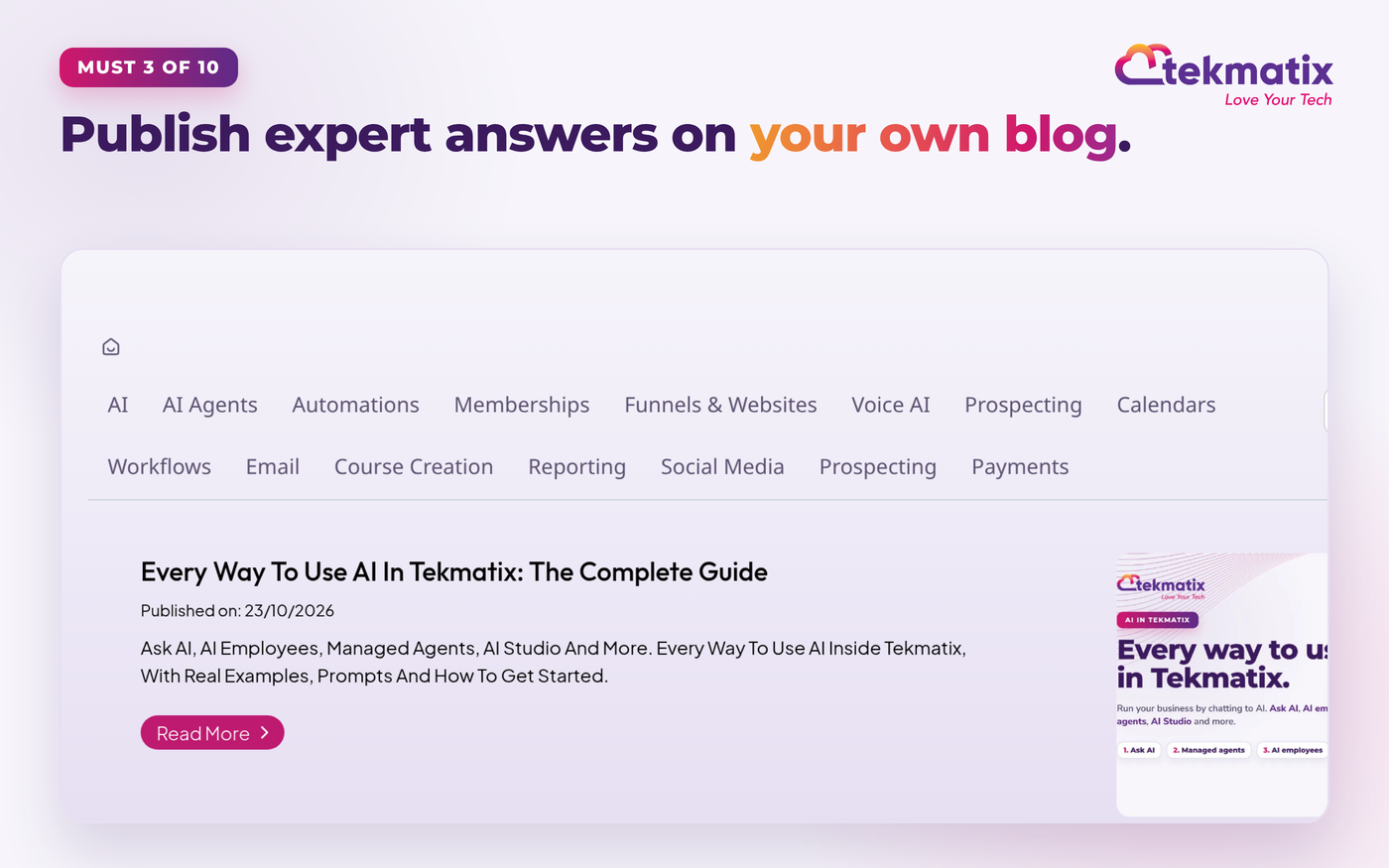
Your own website is the source AI reads, trusts and links to. Social posts alone won't do it.
A blog post is a permanent, searchable, linkable answer that you own. Every post that answers a real customer question is another chance to be found and cited, and another page that proves you know your stuff.
How to do it
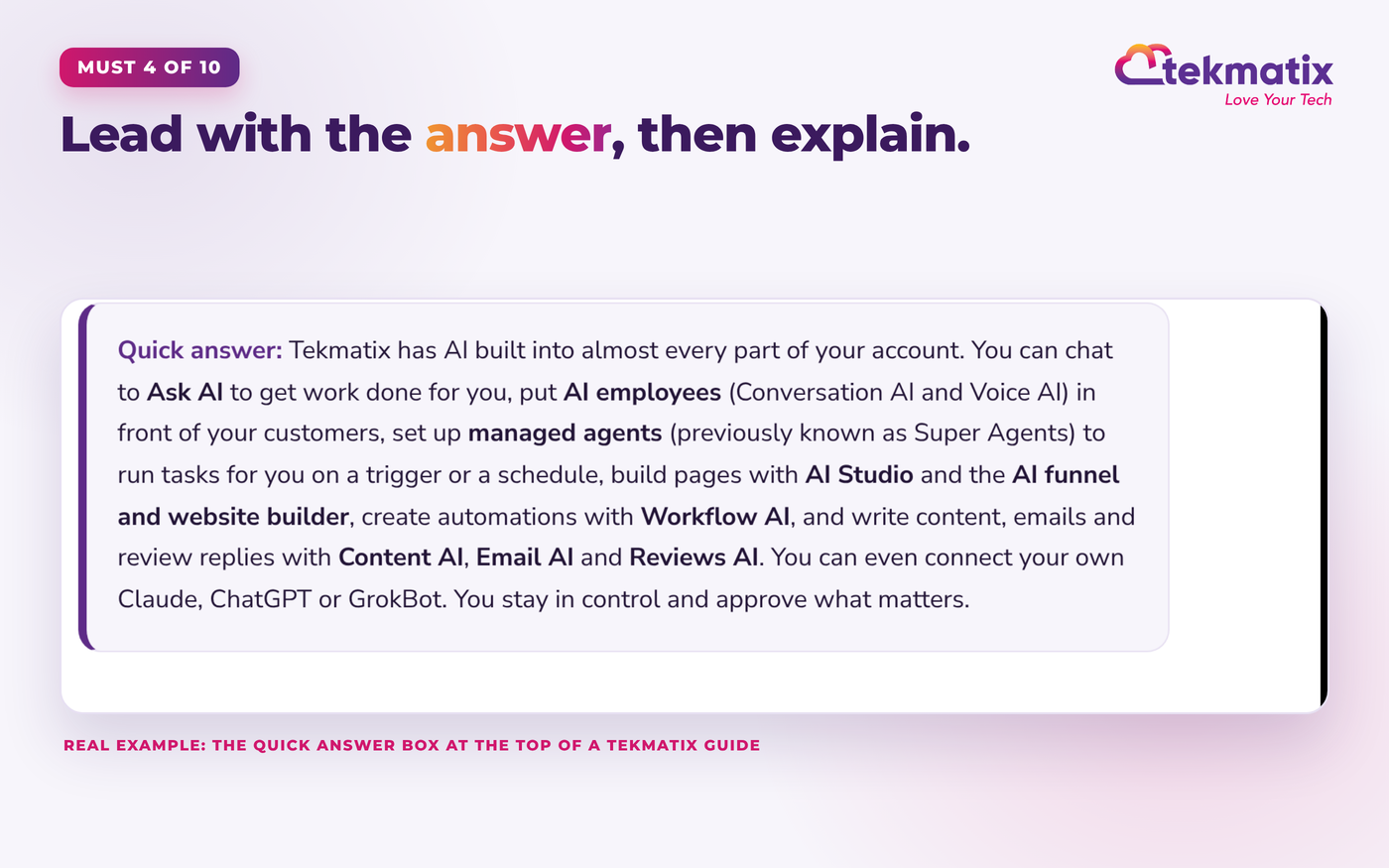
Lead with the answer, then explain
If the answer is buried in paragraph six, AI will quote someone else.
Answer the question in the first two or three sentences, in plain language. Then go deeper with the how, the why, examples and steps. This is the single easiest change that makes your content quotable.
How to do it
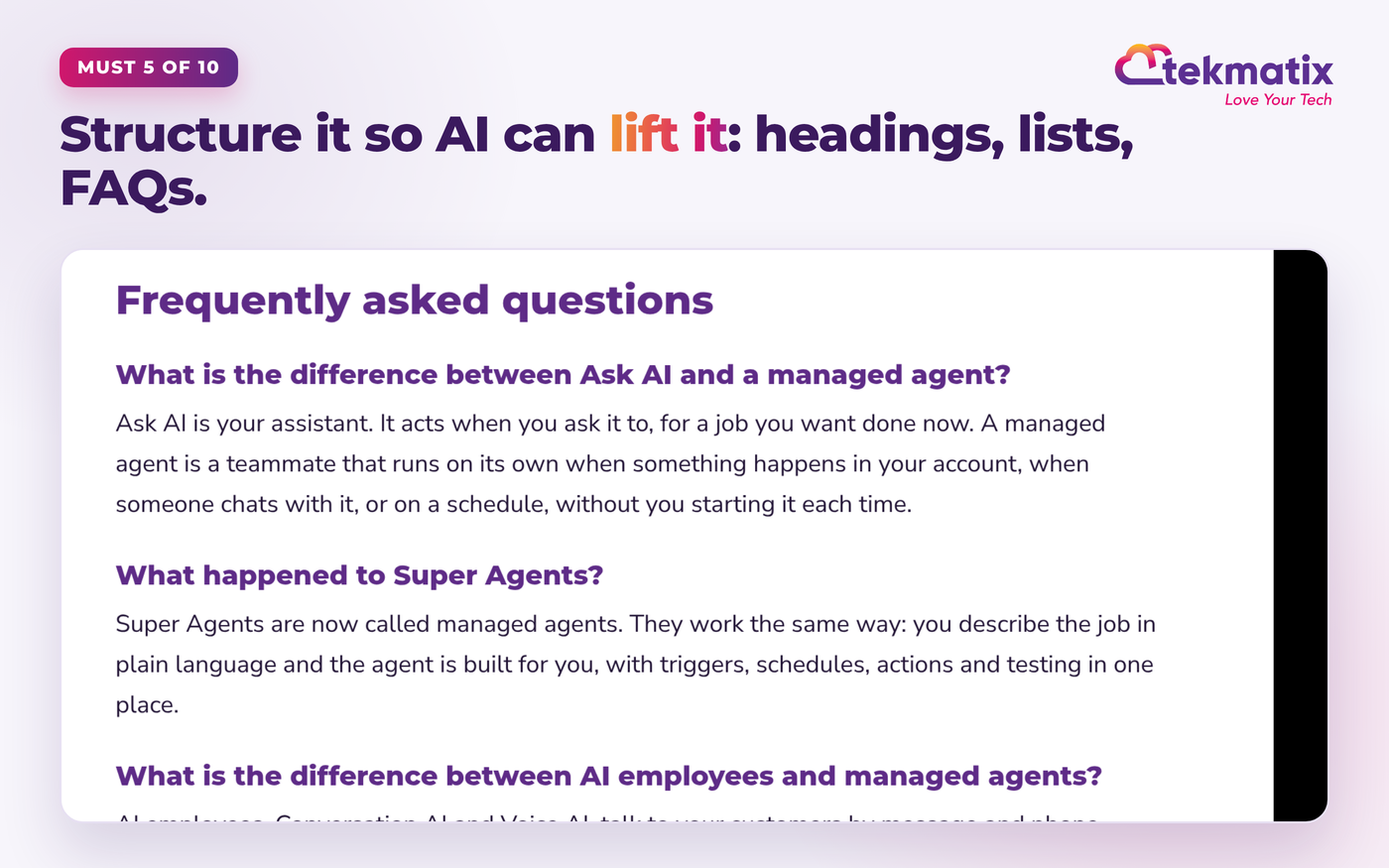
Structure it so AI can lift it: headings, lists, tables and FAQs
Walls of text are hard for humans and machines. Clear structure gets quoted.
AI assistants pull out the bit of your page that answers the question. Make that easy with descriptive headings, short paragraphs, numbered steps, comparison tables and a proper FAQ section.
How to do it
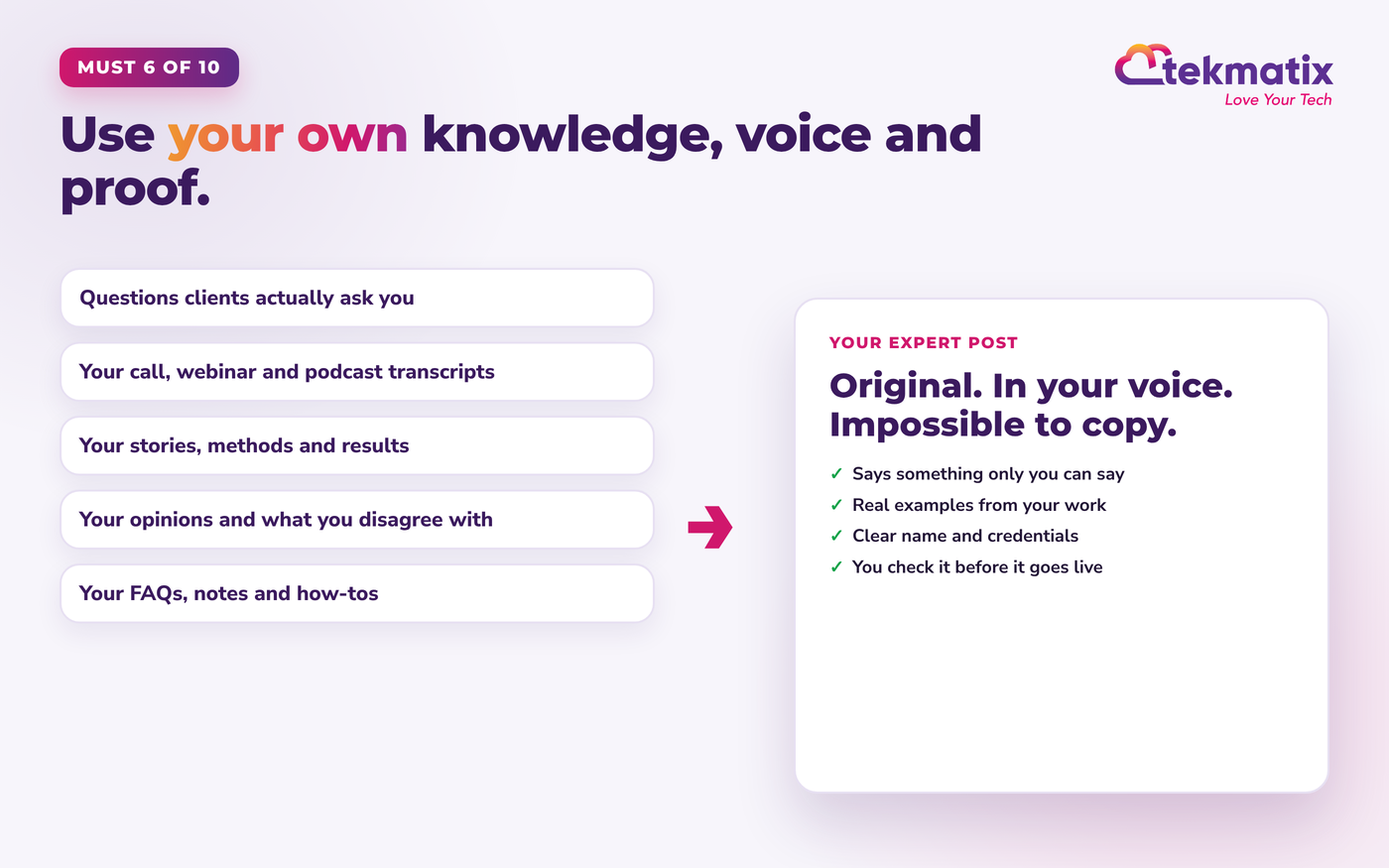
Use your own knowledge, voice and proof
AI has read the generic version a million times. It cites the original.
The fastest way to be ignored is to publish the same advice as everyone else. The way to be recommended is to say what only you can say: your method, your stories, your results, your opinions and what you've learnt from real clients.
How to do it
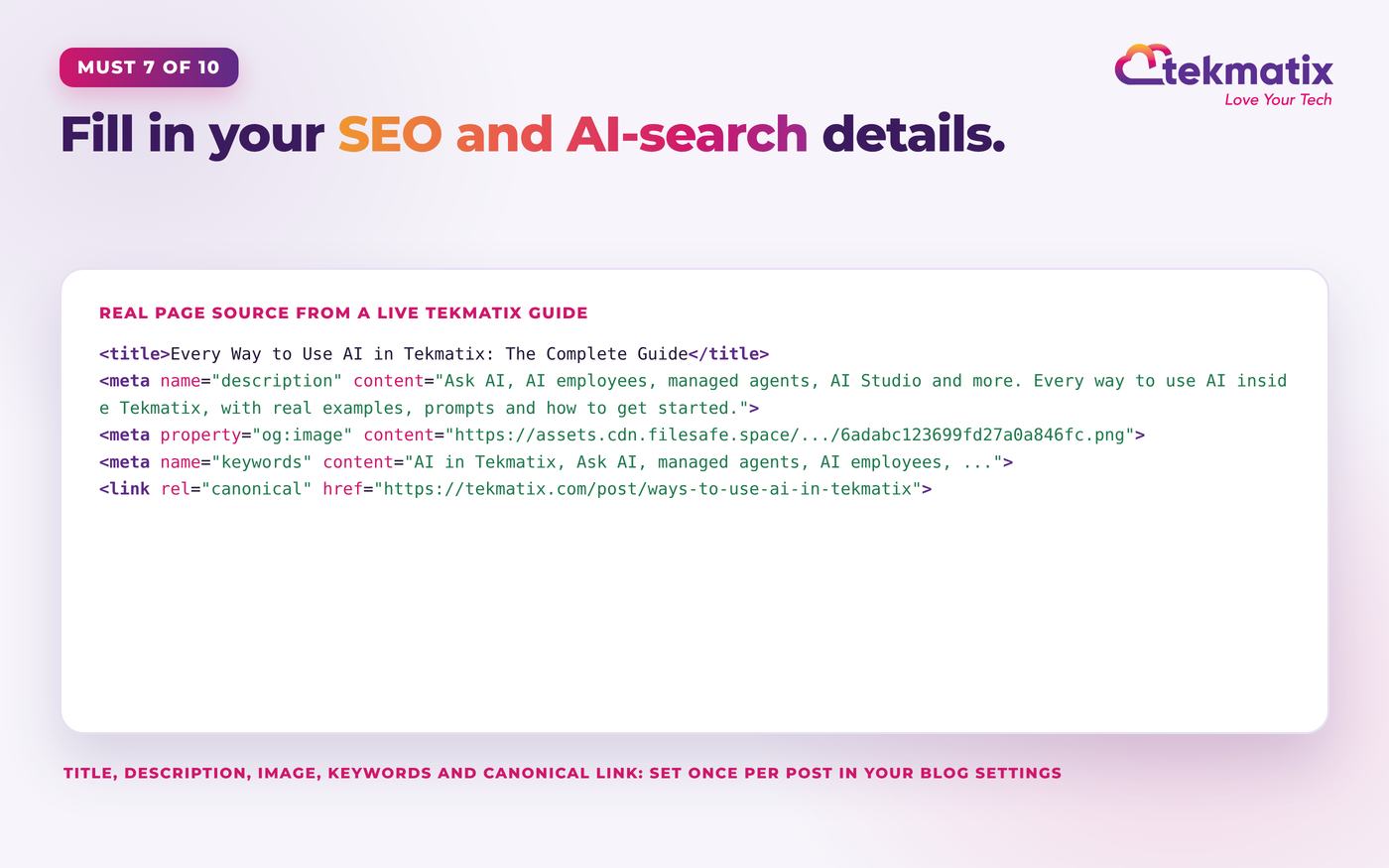
Fill in your SEO and AI-search details
Titles, descriptions, images and links tell AI and Google what each page is about.
Behind every page are a few settings most business owners skip. They're quick, and they help both search engines and AI assistants understand and present your page properly.
How to do it
Let the AI crawlers in
If AI can't read your website, nothing else on this list matters.
Some websites block AI crawlers without the owner knowing, through a robots.txt file, a security plugin or a firewall setting. OpenAI says sites that opt out of its search crawler, OAI-SearchBot, won't be shown in ChatGPT's search answers.
How to do it
Share every post, every time
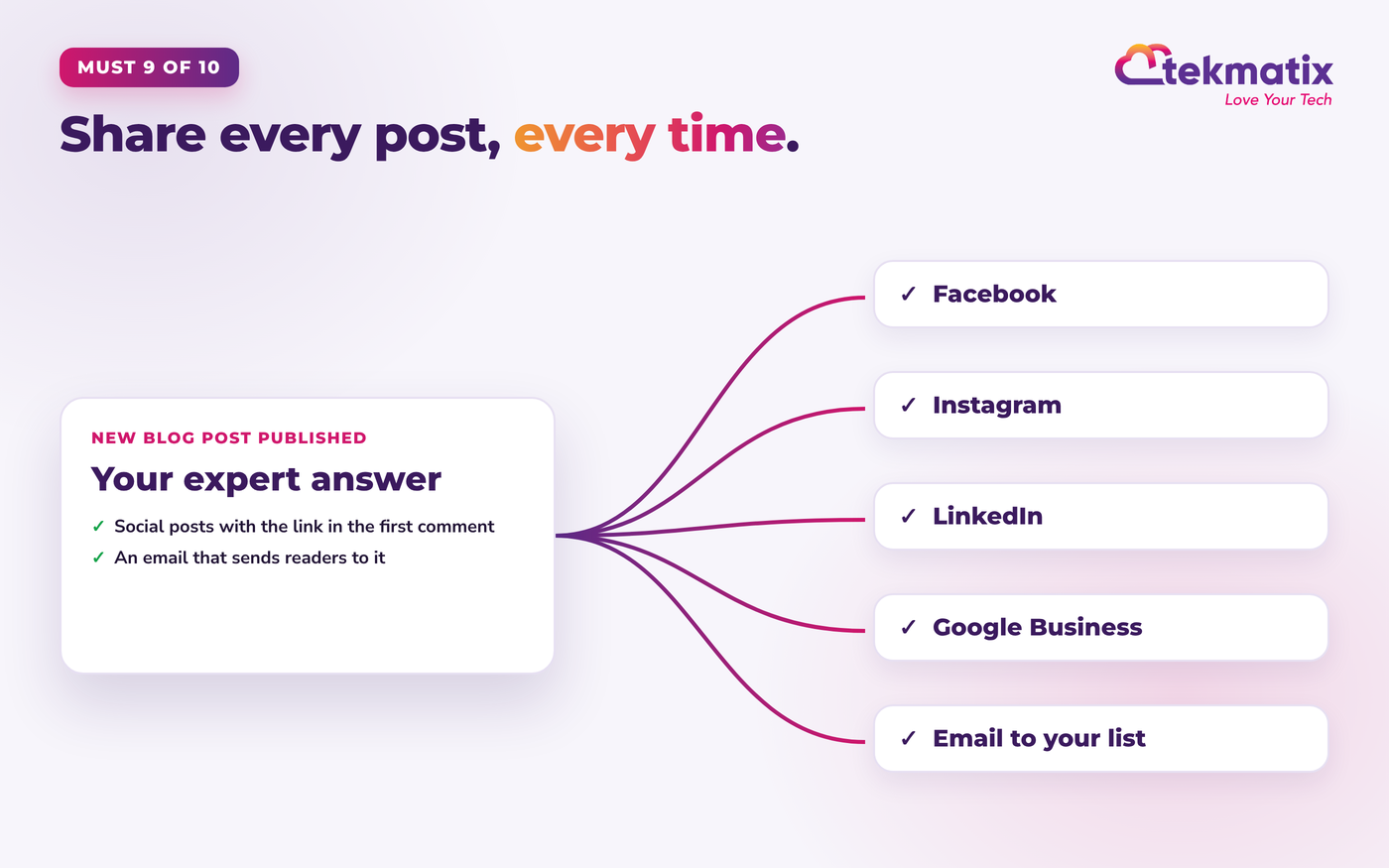
Publishing is half the job. Distribution brings readers, links, mentions and momentum.
A post nobody sees doesn't build much authority. Every time you publish, share it on your social channels and send it to your email list. That brings real visitors, gets people talking and linking, and teaches your audience to come to you for answers.
How to do it
Track your AI referral traffic and keep improving
What you measure, you can grow.
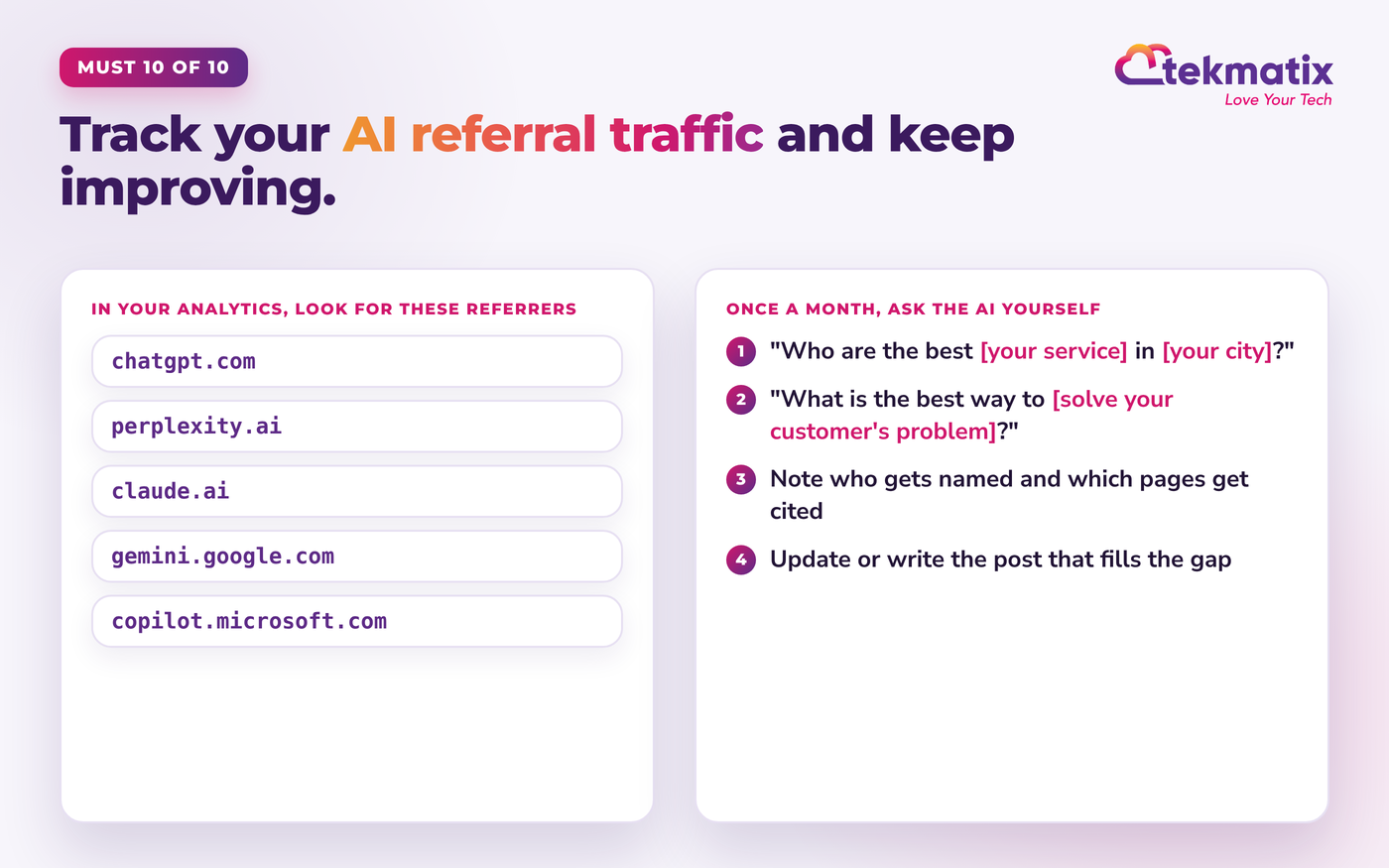
You'll want to know whether AI assistants are starting to send people your way, and which posts are doing the work.
How to do it
The shortcut: let Tekmatix and your AI do all 10 for you
Reading that list, you might be thinking: "Brilliant. When exactly am I meant to do all that?"
That's the point of Tekmatix. It's the all-in-one business platform you run by talking to AI. Your blog, social planner, email marketing, CRM and website all live in one place, and AI works across all of them. You tell it what you want, it does the work, and you approve it.
1. Ask AI writes your blog posts for you
Ask AI is the AI assistant built into your Tekmatix account. Tell it the question you want to answer and who it's for, and it writes a full, structured blog draft in your brand voice, with headings and SEO suggestions. You then publish it or schedule it from your blog editor. A full draft usually takes a few minutes. For a full tour, read every way to use AI in Tekmatix.
2. Every new post can share itself to your socials
Set up an RSS post in your Tekmatix social planner once, pointing at your blog's RSS feed, and choose your connected channels. From then on, each new blog post you publish is shared to those channels automatically. No copying and pasting, no forgetting. Prefer hand-crafted posts for each channel? Your AI can write and schedule those instead (or as well).
3. Connect your own Claude, ChatGPT or GrokBot
Already use Claude, ChatGPT or GrokBot? Connect it to your Tekmatix account (here's how for ChatGPT and Claude). Through that secure connection, your AI can create blog posts on your Tekmatix blog as drafts, scheduled or published, create scheduled posts in your social planner, and prepare email templates, all from the AI app already on your phone.
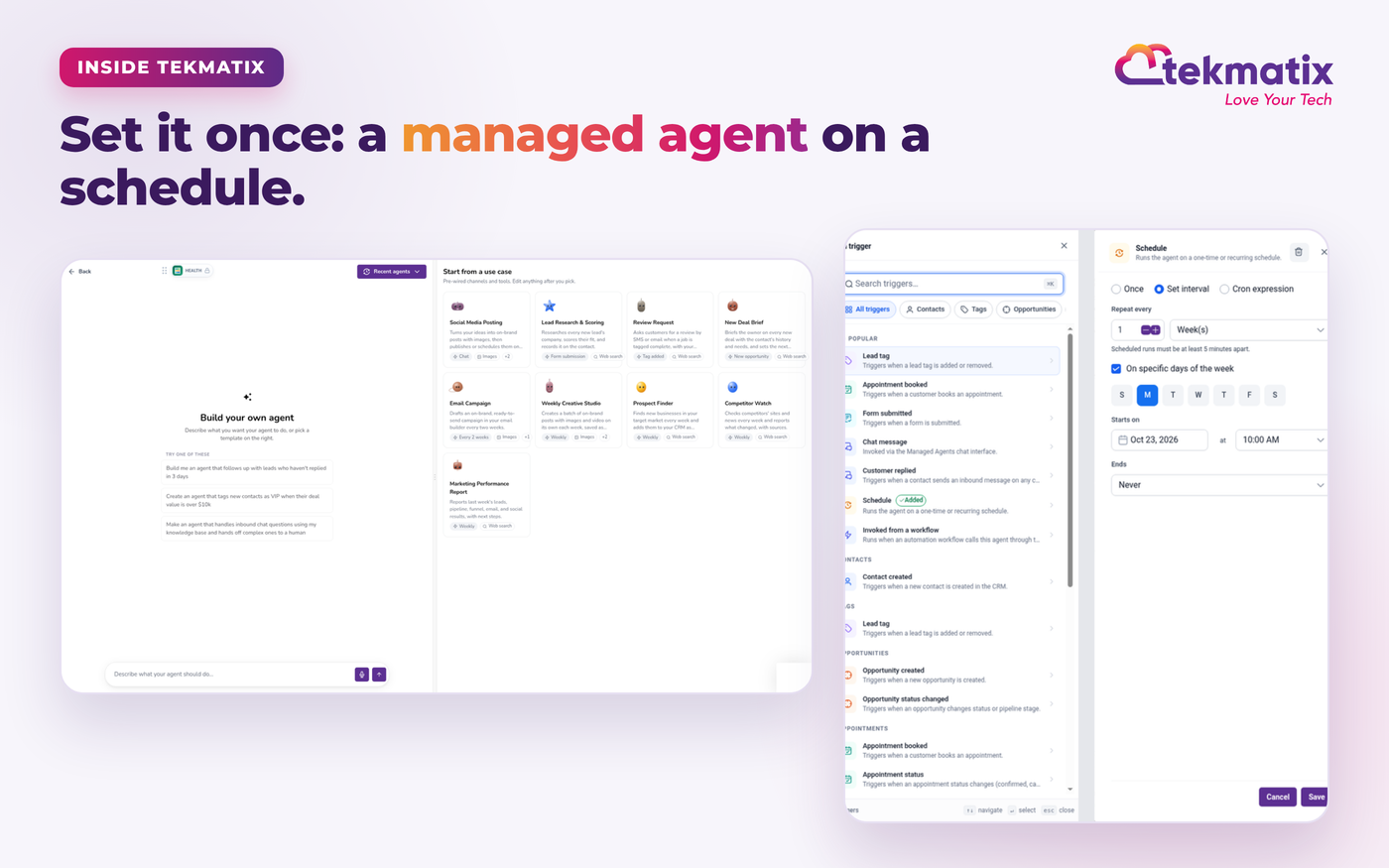
Then turn it into a routine. Save your instructions as a skill (or a project, or custom instructions, depending on your AI app) and, if your AI app supports scheduled tasks or routines, have it run every day. Each day it writes a blog post and the matching social posts in your branding, promoting your own opt-ins, offers, services and products, and schedules them in your Tekmatix account.
Prefer to keep it all inside Tekmatix? A managed agent can do a similar job on a schedule. Tekmatix even includes ready-made starting points such as Social Media Posting, which turns your ideas into on-brand posts with images and publishes or schedules them, and Email Campaign, which drafts an on-brand campaign in your email builder.
4. Any time you have an idea, just say it
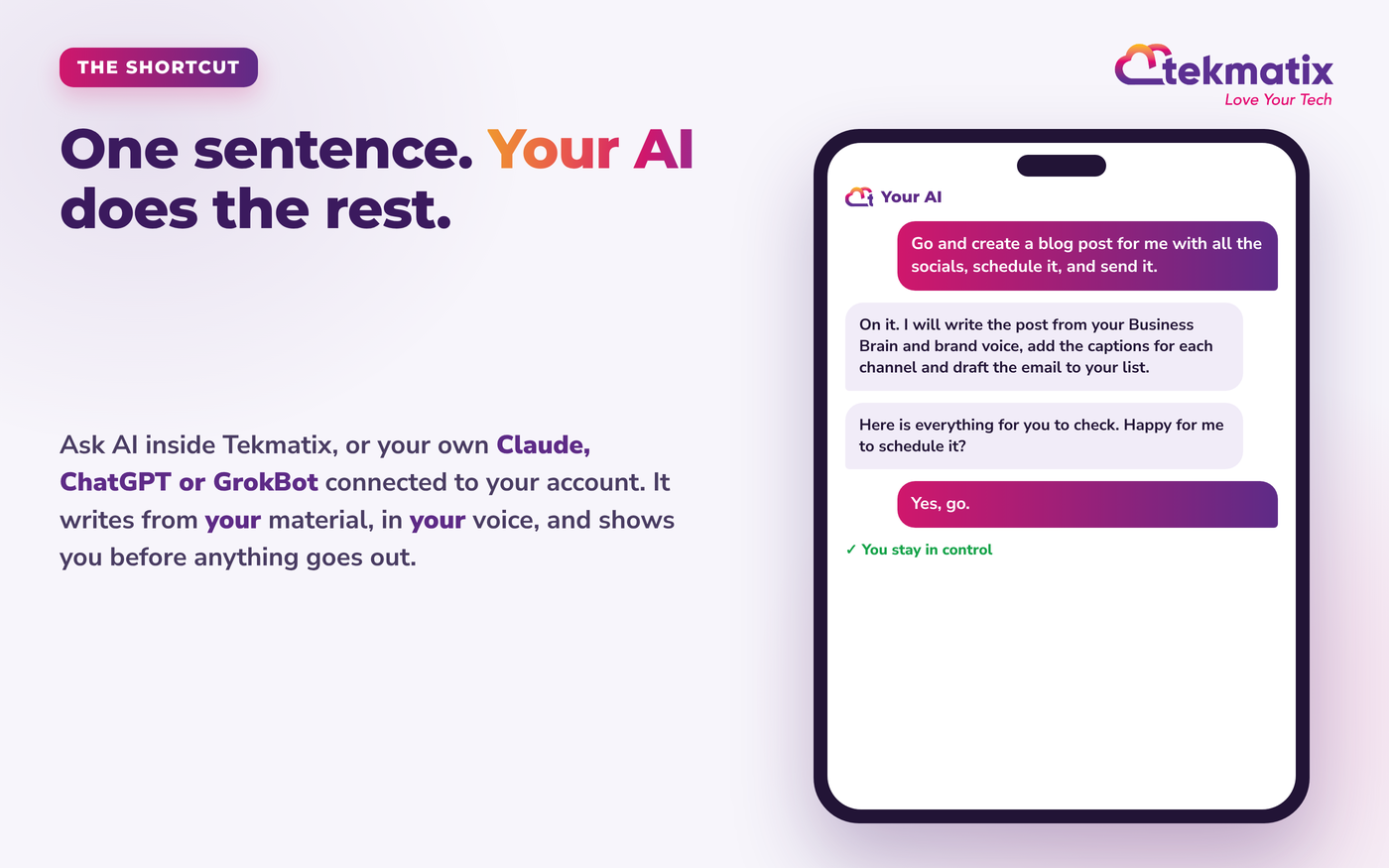
Not every post needs to be planned. Driving, walking the dog, between clients, when an idea hits, just tell your AI:
It writes the post from your own knowledge and voice, creates the social posts for each channel, schedules everything in your Tekmatix account, and shows you what it's done. What used to take a day now takes a cuppa.
5. Level up: send your list straight to it
Want instant traffic the moment a post goes live? Ask your AI to craft the email campaign too: a short, on-brand email to your list with the key takeaway and a button to the new post. Visitors from your email arrive straight away, which is a lovely boost for a fresh post.
- Ask AI drafts a full blog post in a few minutes, not seconds, and you publish or schedule it from your blog editor.
- Ask AI in the mobile app is great for quick jobs. For writing and building full blog posts, use Ask AI on desktop or your connected AI app on your phone.
- Your connected AI can only do what its connection and the permissions you grant allow. It can create blog posts, social posts and email templates directly. For campaign settings the connection doesn't cover, AI tools with browser control can do it on screen, or it takes you a quick click to schedule.
- Daily automatic runs depend on your AI app's scheduled tasks or routines, or a managed agent inside Tekmatix.
- You stay in control. AI shows you what it will do and asks before it sends, publishes or deletes, unless you tell it otherwise.
- AI can't guarantee results. Quality depends on the material, brand voice and Business Brain you give it.
Who this is for
- Coaches, consultants and experts who want to be the name AI gives when someone asks for help in their niche.
- Local service businesses such as trades, clinics, salons and studios that want to be recommended in their area.
- Course creators and educators who want their teaching found, cited and shared.
- Any busy business owner who knows content matters but never has time to do it consistently.
Frequently asked questions
Can anyone guarantee ChatGPT will recommend my business?
No, and be wary of anyone who promises it. AI assistants choose what to show based on what they can find and trust, and that changes over time. What you can control is being the clearest, most helpful and most consistent answer on the web for your topic, which is exactly what these 10 musts do.
How long does it take to start getting AI referral traffic?
It varies by industry, competition and how much you publish. Technical fixes such as unblocking AI crawlers can be picked up quickly (OpenAI says robots.txt changes can take around 24 hours to flow through to its search systems). Content and reputation build over weeks and months, so consistency matters more than any single post.
Does AI-written content hurt my chances?
Generic content does, whoever writes it. Content drafted by AI from your own knowledge, stories, methods and voice, then checked by you, is a different thing. That's why in Tekmatix your AI works from your Business Brain, brand voice and your own material, and you review before anything goes live.
Is this only about ChatGPT?
No. The same musts help you show up in Claude, Perplexity, Gemini, GrokBot, Copilot and Google's AI answers, as well as normal Google search. They all reward clear, crawlable, trustworthy expert content.
How do I know if ChatGPT is sending me visitors?
Check the referral or traffic sources report in your website analytics and look for chatgpt.com, perplexity.ai, claude.ai, gemini.google.com and copilot.microsoft.com. Then ask the AI assistants your customers' questions once a month and note who they name and which pages they cite.
Do I need to be technical to do this in Tekmatix?
No. You can ask Ask AI in plain language, or connect your own Claude, ChatGPT or GrokBot and simply tell it what you want. If you'd like a hand setting it up, join a free daily training call, book a Tekspert by the hour, or let our team do it for you.
Can I do this from my phone?
Yes, for a lot of it. Your own AI app (Claude, ChatGPT or GrokBot) connected to Tekmatix works from your phone, and Ask AI is in the LeadConnector mobile app for quick jobs. For bigger jobs like writing and building a full blog post, Ask AI on desktop or your connected AI is the smoothest way today.
Ready to become the expert AI recommends?
New to Tekmatix? Jump on a free chat with our team and see how your AI can write, publish and share your expert content for you.
Book your free demoAlready a Tekmatix customer?
- Free daily training calls: three every weekday. Bring your questions and we'll help you set this up live. Book a free training call
- Book a Tekspert by the hour to connect your Claude, ChatGPT or GrokBot and set up your daily blog and social routine with you. Book a Tekspert
- Done-for-you services: want us to set it all up for you? See our services
- Get the mobile app: App Store or Google Play (search LeadConnector).
Keep learning: Every way to use AI in Tekmatix: the complete guide and How to build a funnel in seconds on Tekmatix with AI.
Warning: you may get addicted to your productivity.