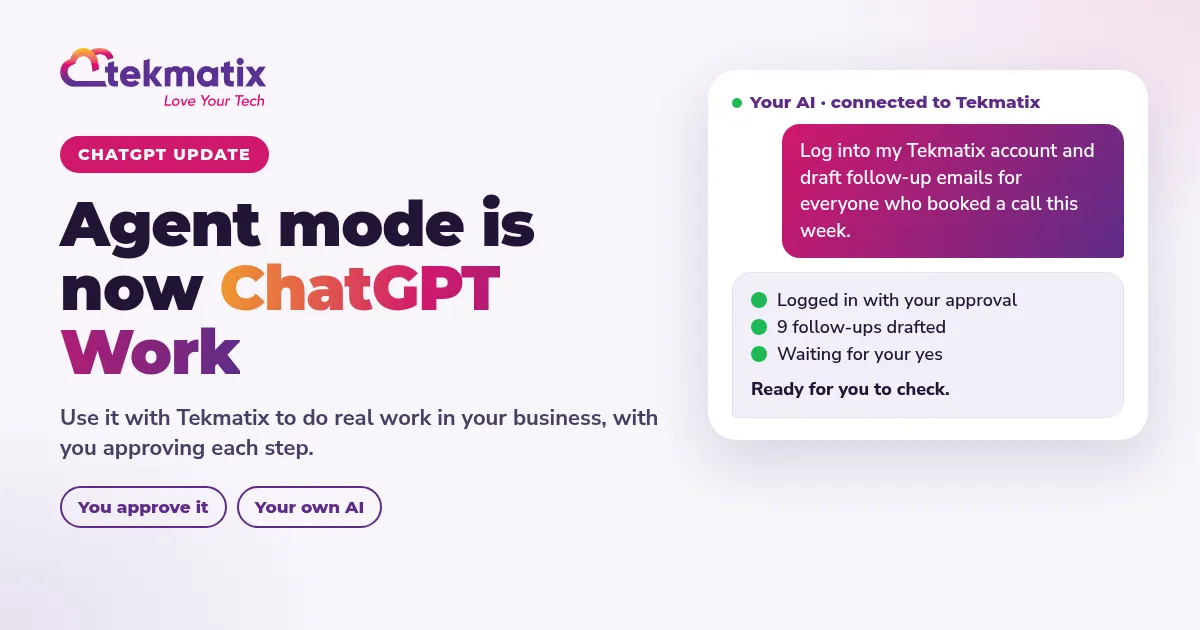
What Is ChatGPT Agent Mode Now? It's ChatGPT Work. Here's How to Use It With Tekmatix
Quick answer: ChatGPT agent mode has been retired and replaced by ChatGPT Work. It's the way to hand ChatGPT a multi-step job and have it carry out the steps while checking in with you. Plus, Pro, Business, Enterprise and Edu users get it on web, mobile and desktop. Connect ChatGPT to Tekmatix and those jobs can happen inside your business: follow-ups, reports, drafts and more, with you approving each step.
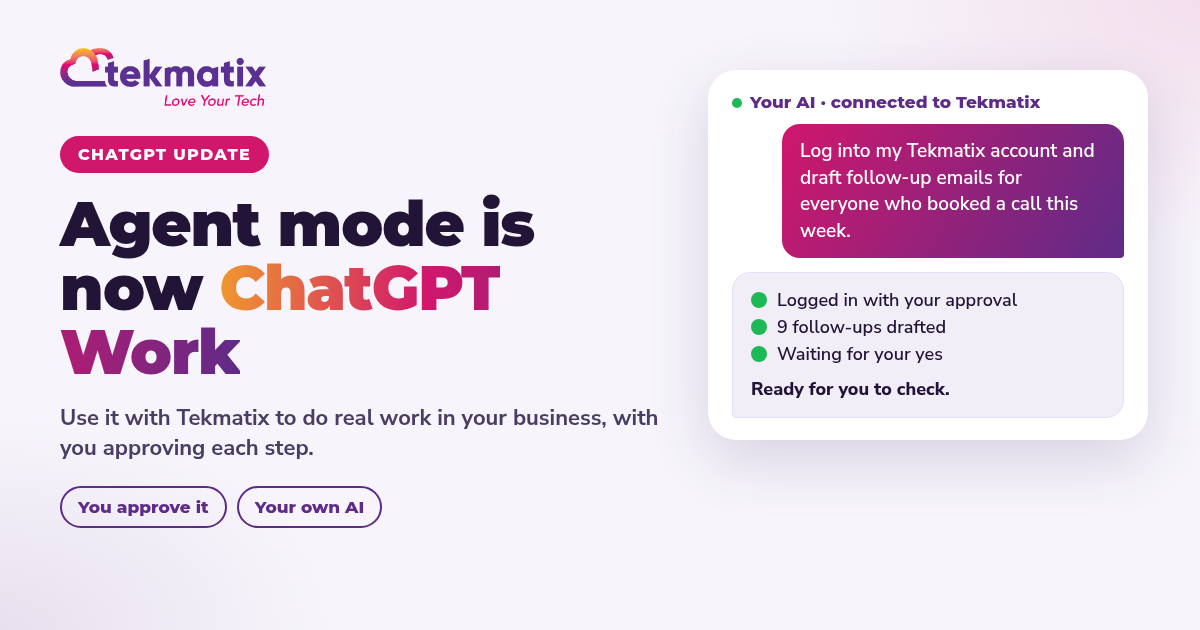
What changed, in plain English
| Agent mode (old) | ChatGPT Work (now) | |
|---|---|---|
| Status | Retired | Current |
| What it does | Multi-step tasks for you | Multi-step tasks for you, checking in as it goes |
| Who gets it | Paid plans | Plus, Pro, Business, Enterprise, Edu on web, mobile and desktop. Free and Go: limited desktop access |
Checked November 2026. OpenAI updates its plans often, so check your own ChatGPT account for the latest.
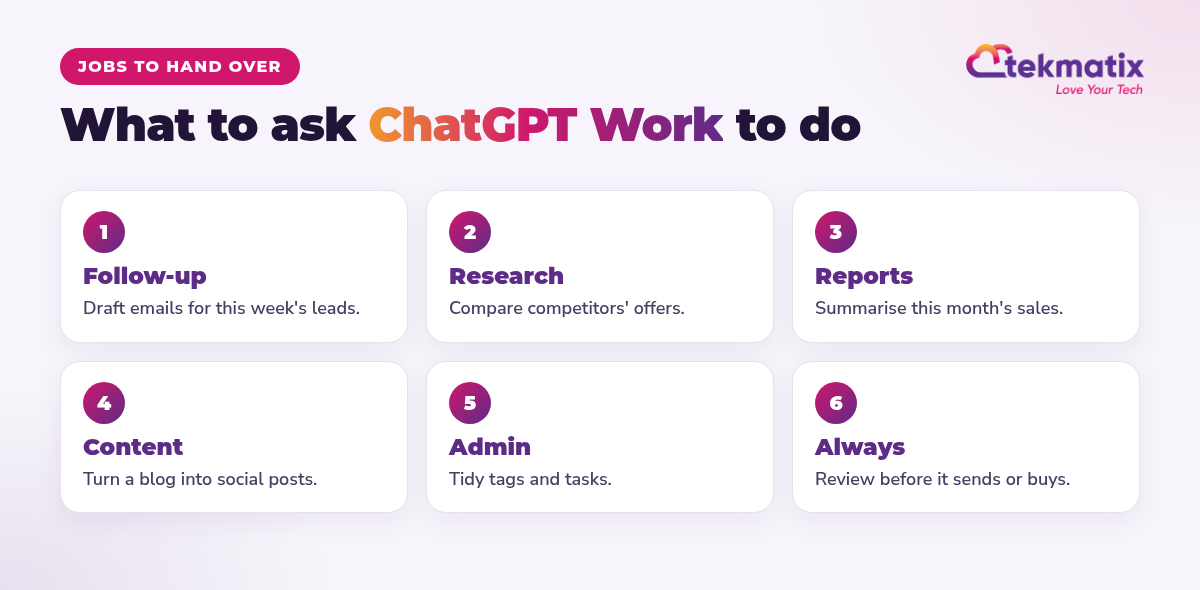
What to hand over first
How to connect ChatGPT to Tekmatix
Prompts to try
Prefer to stay inside Tekmatix? Ask AI is built into every account and can carry out around 600 tasks across 40+ areas.
- The connection can only do what its tools and your permissions allow. It isn't a recurring autonomous agent by itself.
- ChatGPT plans and features are set by OpenAI, not Tekmatix.
- AI usage, emails and texts are pay as you go.
You stay in control. Your AI shows you what it will do and asks before it creates, changes, deletes or sends anything.
Frequently asked questions
What is ChatGPT agent mode?
Agent mode was ChatGPT's feature for doing multi-step tasks on your behalf, such as browsing, filling in forms and working across tools. It has now been retired and replaced by ChatGPT Work.
What is ChatGPT Work?
ChatGPT Work is the new way to hand ChatGPT a job and let it carry out the steps, checking in with you along the way. As at November 2026, Plus, Pro, Business, Enterprise and Edu users get it on web, mobile and desktop, and Free and Go users get limited desktop access.
Can ChatGPT do work inside Tekmatix?
Yes. Tekmatix connects to ChatGPT through its MCP connection, so ChatGPT can find contacts, summarise conversations, check calendars and prepare drafts, within the permissions you give it.
Is it safe to let ChatGPT act in my business?
Give it only the permissions it needs, and ask it to show you its plan before it sends, buys or deletes anything. In Tekmatix, your AI asks before it creates, changes, deletes or sends.
Do I need ChatGPT Work to use AI in Tekmatix?
No. Every Tekmatix account includes Ask AI built in, and you can also connect Claude, GrokBot, Muse and other AI tools.
Will OpenAI change this again?
Probably. AI features change fast. This post was checked in November 2026.
Hand your AI the job, not just the question
Tekmatix is the all-in-one business platform you run by talking to AI. Connect ChatGPT, Claude, GrokBot and more, with real human Teksperts 24/7, in one subscription.
See how Tekmatix worksSarah x
Warning: you may get addicted to your productivity.
