How to Schedule Facebook Posts With Tekmatix (and What About Personal Profiles?)
Quick answer: Yes, you can schedule a post on Facebook, but only on a Facebook Page or on a profile with professional mode turned on. A regular personal profile can't be scheduled, and no outside tool can post to one. For your Page, the Tekmatix Social Planner lets you schedule Facebook, Instagram, LinkedIn and more from one calendar, and your AI can write a month of posts for you to approve.
What can and can't be scheduled on Facebook
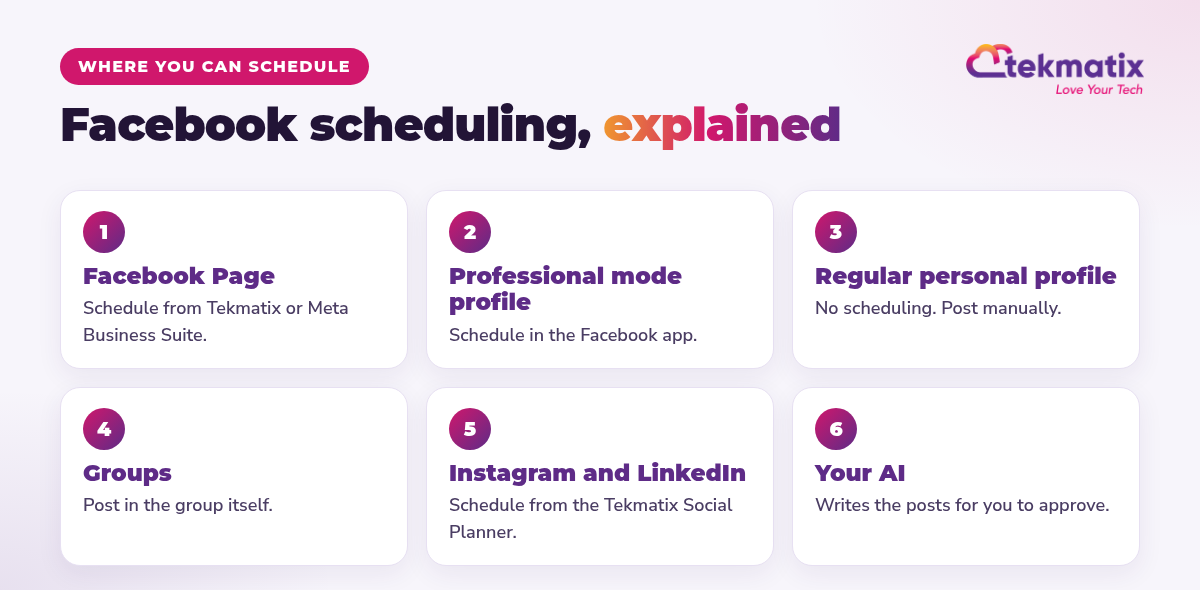
| Where | Can you schedule? | How |
|---|---|---|
| Facebook Page | Yes | Tekmatix Social Planner or Meta Business Suite |
| Profile in professional mode | Yes | In the Facebook app: Next, then Schedule for later |
| Regular personal profile | No | Post manually, or switch on professional mode |
| Facebook group | In the group | Use the group's own tools |
How to schedule a Facebook Page post in Tekmatix
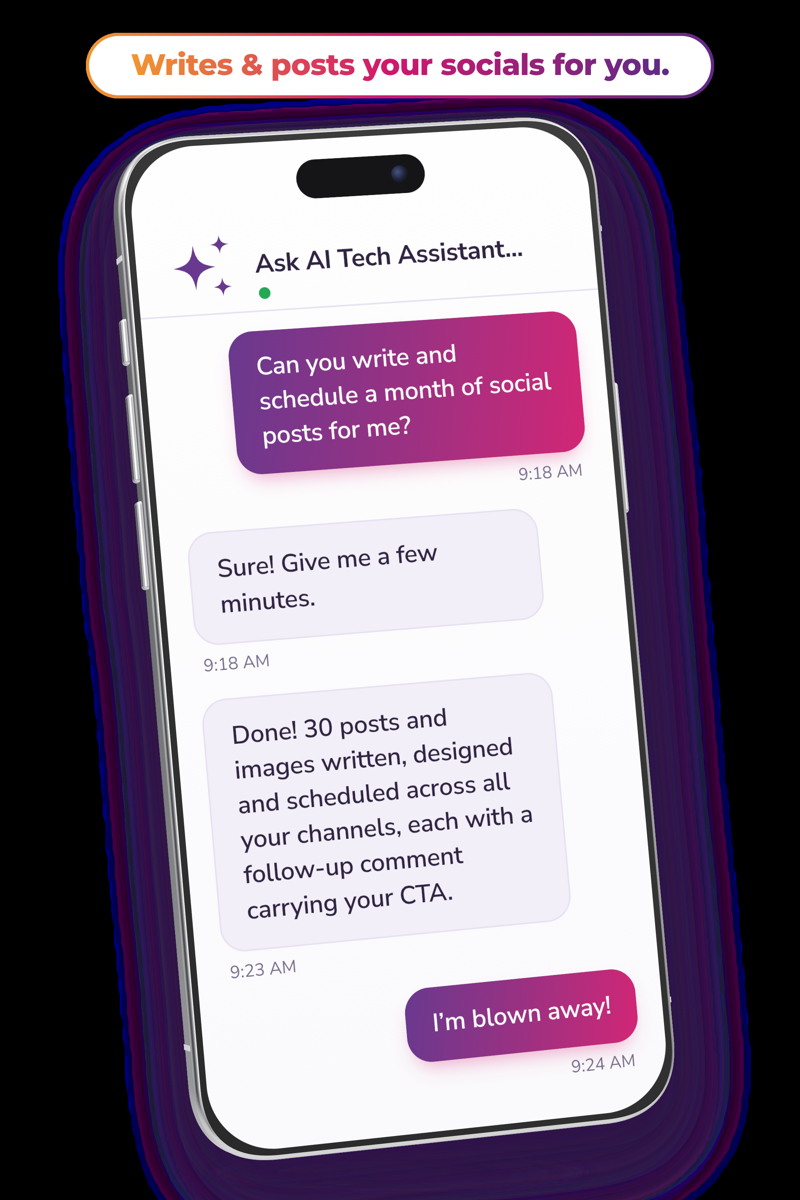
Or ask your AI to plan the month
If you want to post as your personal profile
Many service businesses get the most reach from their personal profile. Turn on professional mode, then schedule in the Facebook app. Or keep a list of AI-drafted posts in Tekmatix and copy one across each day. It takes a minute, and you stay within Facebook's rules.
- Meta doesn't allow any scheduling tool to post to personal profiles. Facebook's features change often; this was checked in November 2026.
- AI usage, emails and texts are pay as you go.
You stay in control. Your AI shows you what it will do and asks before it creates, changes, deletes or sends anything.
Frequently asked questions
Can I schedule a post on Facebook?
Yes, on a Facebook Page and on a profile with professional mode turned on. You can schedule Page posts from Meta Business Suite or from a social media tool such as the Tekmatix Social Planner.
Can you schedule posts on a personal Facebook profile?
Not on a regular personal profile. If you turn on professional mode, you can schedule posts in the Facebook app. Third-party tools can't post to personal profiles because Meta doesn't allow it.
How do I schedule a Facebook post in professional mode?
Write your post in the Facebook app, tap Next, choose Schedule for later, pick the date and time, then tap Schedule.
Can Tekmatix post to Facebook groups?
Post in your group directly in Facebook. Use the Social Planner for your Page and other social accounts.
Which social accounts does the Tekmatix Social Planner support?
Facebook Pages, Instagram, LinkedIn and more, all scheduled from one calendar.
Can AI write my Facebook posts?
Yes. Ask your AI to turn a blog, video or offer into posts in your voice. You review and approve them before they're scheduled.
A month of social posts in one chat
Tekmatix is the all-in-one business platform you run by talking to AI. Social Planner, CRM, email and funnels in one subscription, with real human Teksperts 24/7.
See how Tekmatix worksSarah x
Warning: you may get addicted to your productivity.
