How to Create a Link Page for Your Social Media Bios in Tekmatix
Quick answer: A link page lists all your important links on one page, so the single link in your Instagram, TikTok or LinkedIn bio does more. In Tekmatix, start from a linktree template, put it on your own domain, add a sign-up form and your booking calendar, and every visitor lands in your CRM. Or tell your AI which links you want, in what order, and review it when it's done.
Why a link page beats a home page link
Most platforms give you one link. Send people to your home page and they browse and leave. Send them to a link page and they get a short menu of your best next steps, with the most important one at the top.
What to put on your Tekmatix link page
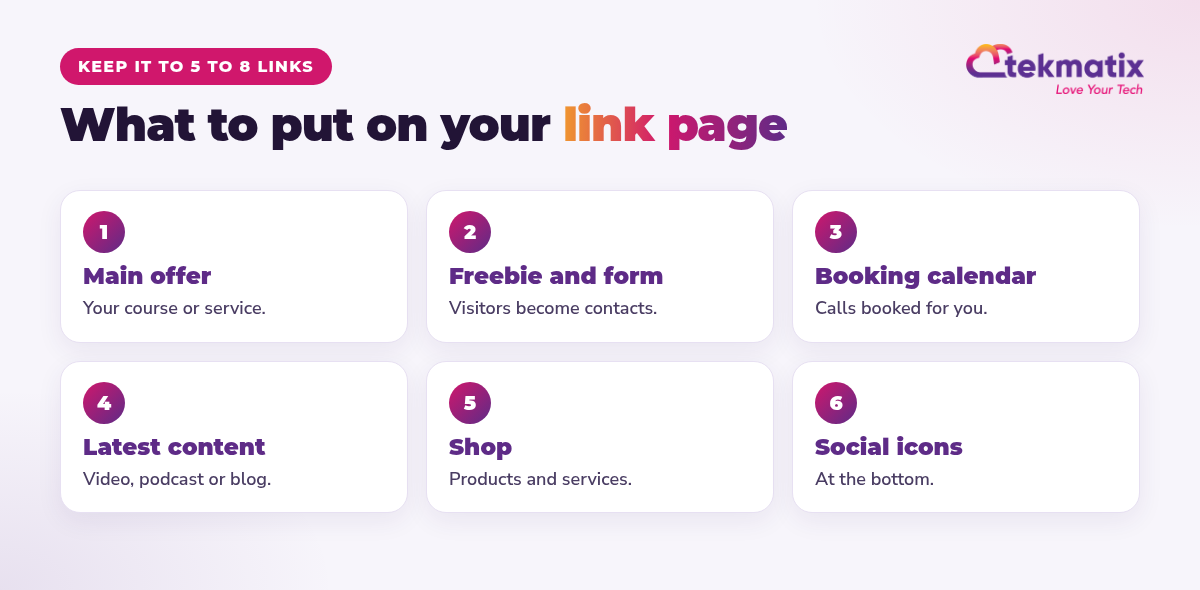
- Your main offer or course
- A freebie with a sign-up form (contacts go straight into your CRM)
- Your booking calendar
- Your latest video, podcast or blog post
- Your shop, products or services
- Your social icons at the bottom
How to create it, step by step
Or let your AI do it
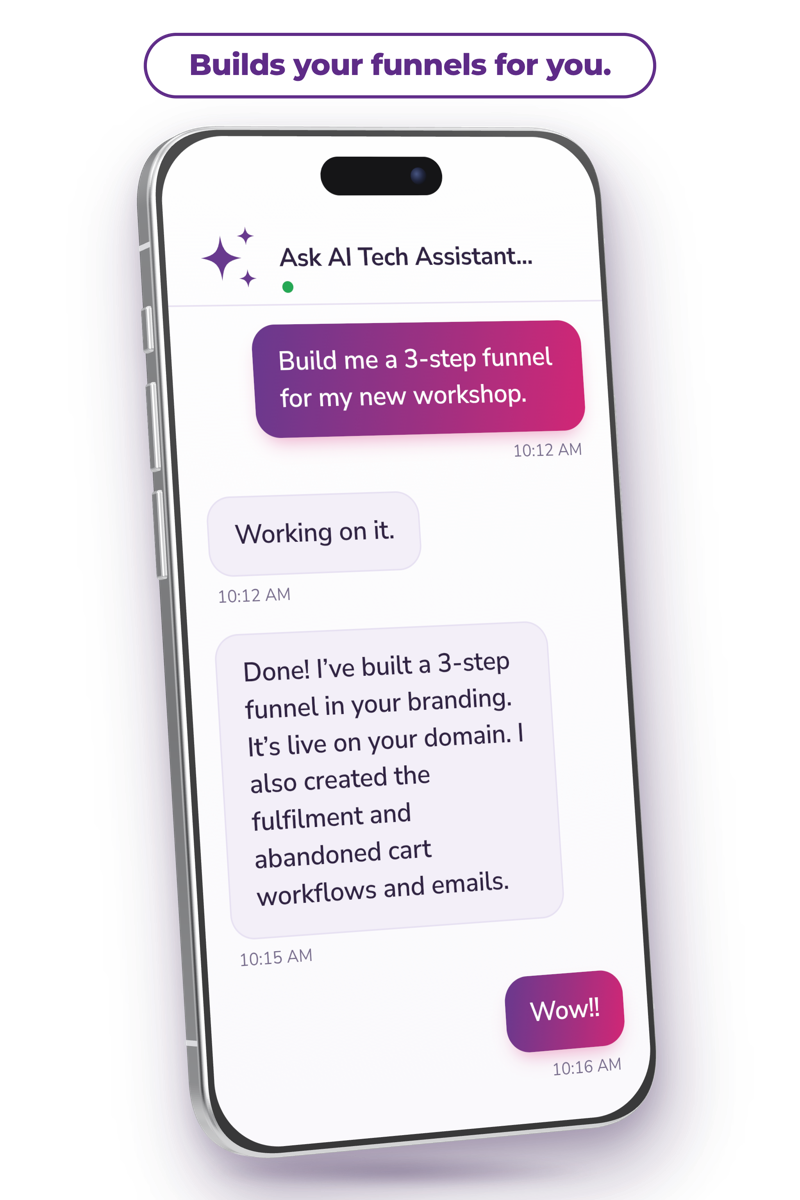
- Ask AI works with funnels, so link pages built as funnels are in reach. Domain connection may need a DNS change at your domain provider, and our Teksperts can help.
- AI usage, emails and texts are pay as you go.
You stay in control. Your AI shows you what it will do and asks before it creates, changes, deletes or sends anything.
Frequently asked questions
What is a link page for social media?
It's one page that lists your most important links, such as your offer, freebie, booking calendar and socials. You put its address in every social media bio.
Does Tekmatix have link page templates?
Yes. In Websites and Funnels, open Funnels and search for the linktree templates. They're fully customisable to your branding.
Can my link page be on my own domain?
Yes. Connect your domain or a subdomain, for example yourdomain.com/links or links.yourdomain.com.
Can people join my email list from the link page?
Yes. Add a form so visitors become contacts in your CRM, tagged and ready for follow-up.
Why not just use Linktree?
A link page in Tekmatix sits on your own domain, collects leads straight into your CRM and connects to your calendars, courses and payments, all in the subscription you already have.
Can my AI build it for me?
Your AI can set up and update the page and form for you to review. You approve it before it's published.
Make your bio link work harder
Tekmatix is the all-in-one business platform you run by talking to AI. Link pages, forms, calendars, courses and CRM in one subscription, with real human Teksperts 24/7.
See how Tekmatix worksSarah x
Warning: you may get addicted to your productivity.
