AI Content Creation Workflow: Turn One Recording Into a Month of Content With Tekmatix
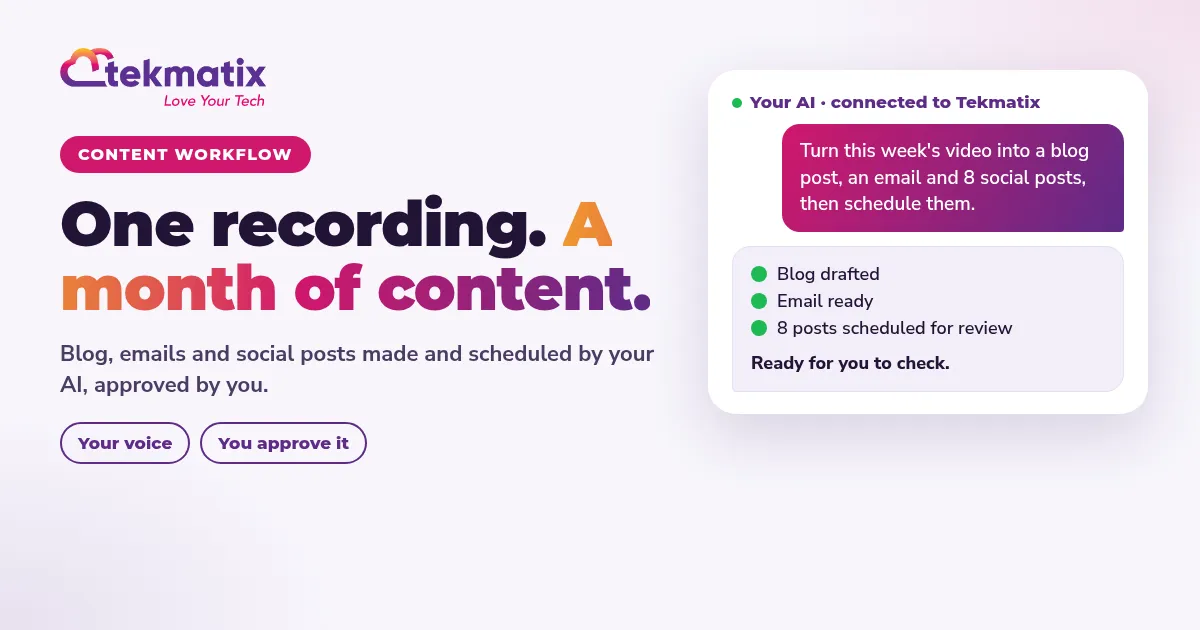
Quick answer: An AI content creation workflow means you create once and your AI does the rest. Record one video or voice note, have it transcribed, then ask your AI to turn it into a blog post, an email and a week of social posts in your voice. You review and edit, then schedule everything in Tekmatix: the blog, the email campaign and the Social Planner.
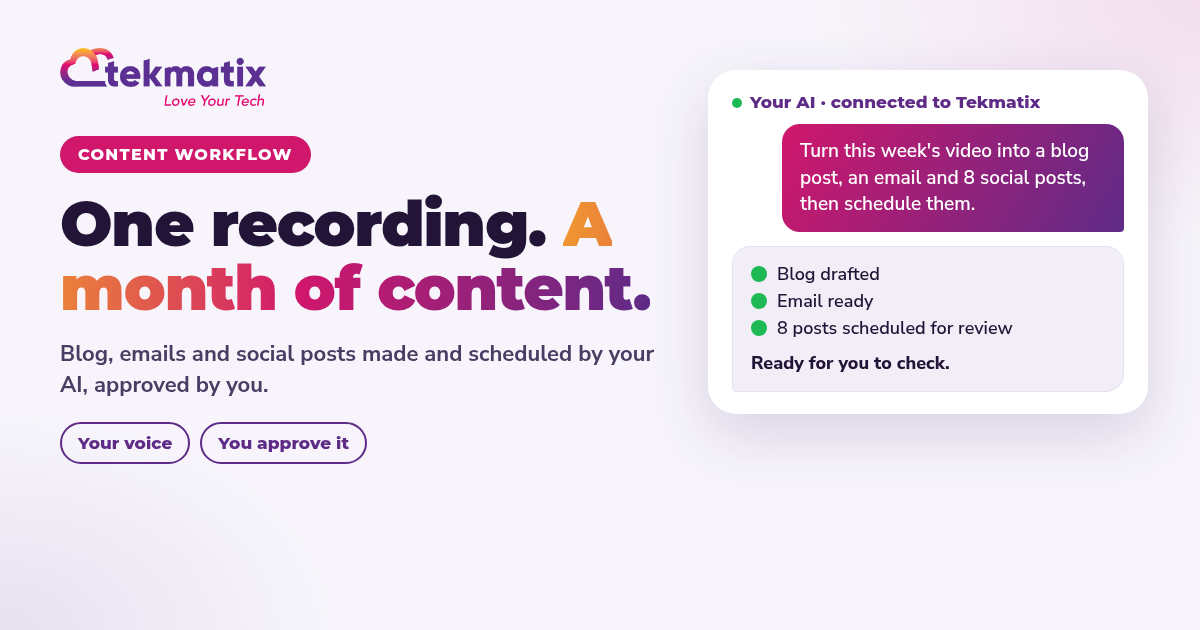
The 6-step workflow
Set up your brand voice once
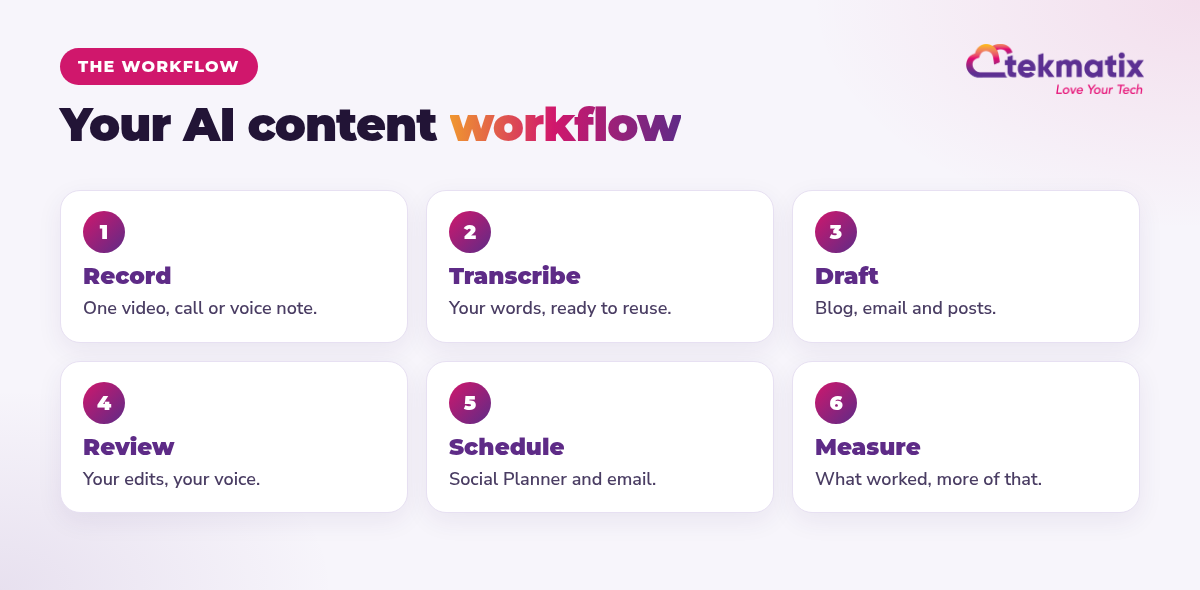
Business Brain and Brand Kit Builder, two of the AI employees included in Tekmatix, learn how you talk and what you sell, so every draft starts closer to your voice.
The prompts
- Always review AI drafts for accuracy before publishing.
- Ask AI can read your workflows but can't build them on its own yet. For automations, use your own AI (Claude, ChatGPT or GrokBot) with browser control, and review it before it goes live.
- AI usage, emails and texts are pay as you go.
You stay in control. Your AI shows you what it will do and asks before it creates, changes, deletes or sends anything.
Frequently asked questions
What is an AI content creation workflow?
It's a repeatable process where you create one piece of content, such as a video or voice note, and AI turns it into blogs, emails and social posts that you review and schedule.
What should I record?
Anything you already explain to clients: a common question, a mistake you see, a quick how-to or a story from your week. Five to fifteen minutes is plenty.
Will AI content sound like me?
It sounds more like you when you give it your own words to work from and set up your Brand Voice in Tekmatix. Always review and edit before it's published.
Can Tekmatix publish my blog and schedule my socials?
Yes. Tekmatix has a blog, email campaigns and a Social Planner for Facebook Pages, Instagram, LinkedIn and more.
How much time does this save?
It varies. Many people go from writing every post from scratch to one recording and a review session each week.
Is it okay to publish AI-written content?
Yes, as long as it's accurate, helpful and you've reviewed it. Your expertise is what makes it worth reading.
Record once. Let your AI do the rest.
Tekmatix is the all-in-one business platform you run by talking to AI. Blog, email, Social Planner and CRM in one subscription, with real human Teksperts 24/7.
See how Tekmatix worksSarah x
Warning: you may get addicted to your productivity.
